Listing Character Limit Checker: Avoid Overlength Titles and Improve Product Visibility
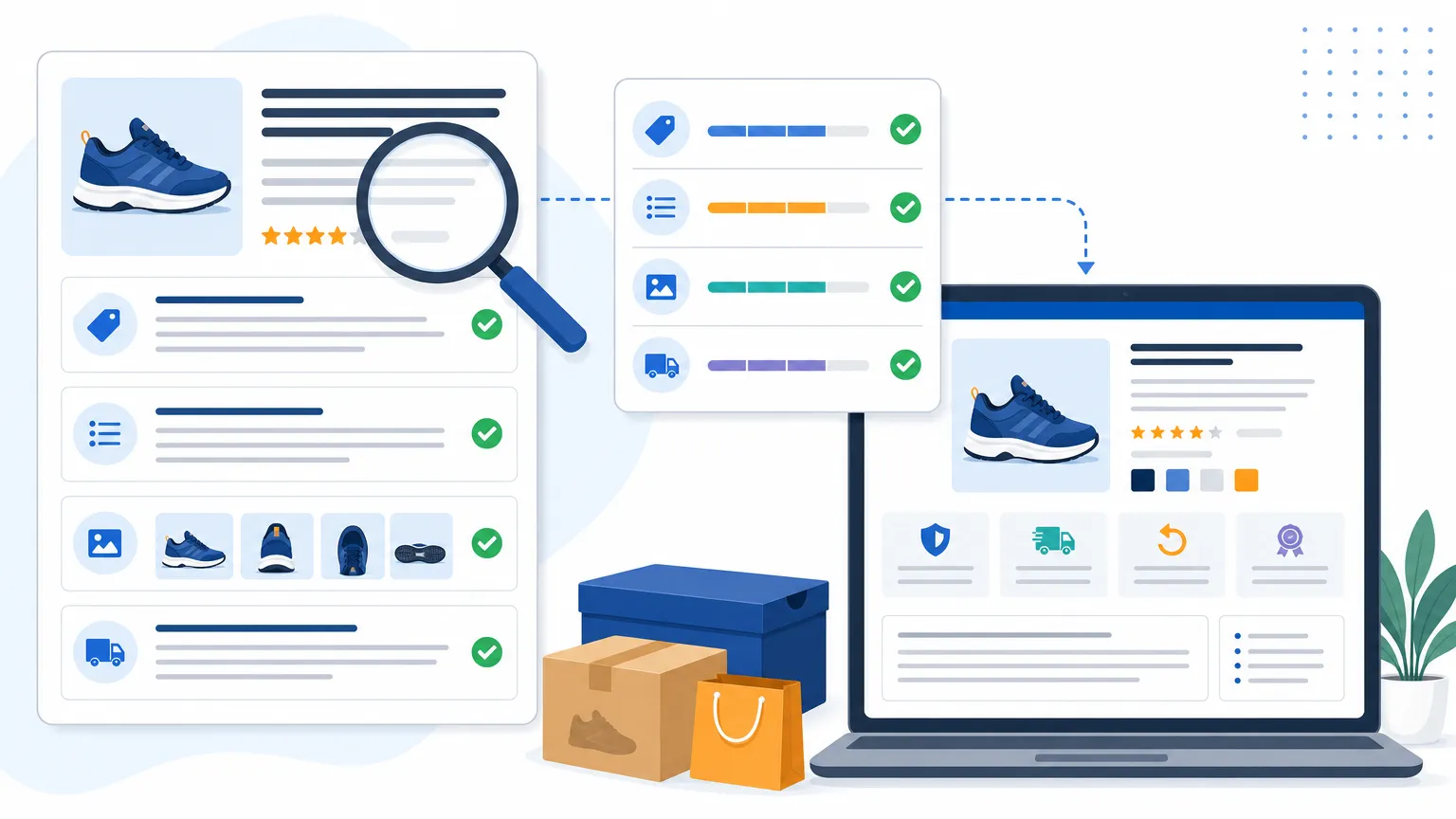
Your Listing May Contain Risks Before You Publish
When you repeatedly revise your title, bullet points, and backend search terms but still cannot confirm whether the character count meets platform requirements, a Listing character limit checker can help rule out a common problem first.
You may have encountered situations like these: you finish writing a title and discover that it exceeds the platform limit, your bullet points get truncated after you paste them in, or you enter many backend search terms but do not know whether spaces and punctuation count toward the limit. The rules also vary across platforms and fields, so estimating from experience can easily lead to errors.
Character count may seem like a minor detail, but it affects publishing efficiency and how completely your Listing is displayed. A few extra characters may force you to remove words at the last minute. If your team manages dozens, hundreds, or even thousands of products, repeated checks can consume a significant amount of time.
What Practical Problems Can Exceeding the Character Limit Cause?
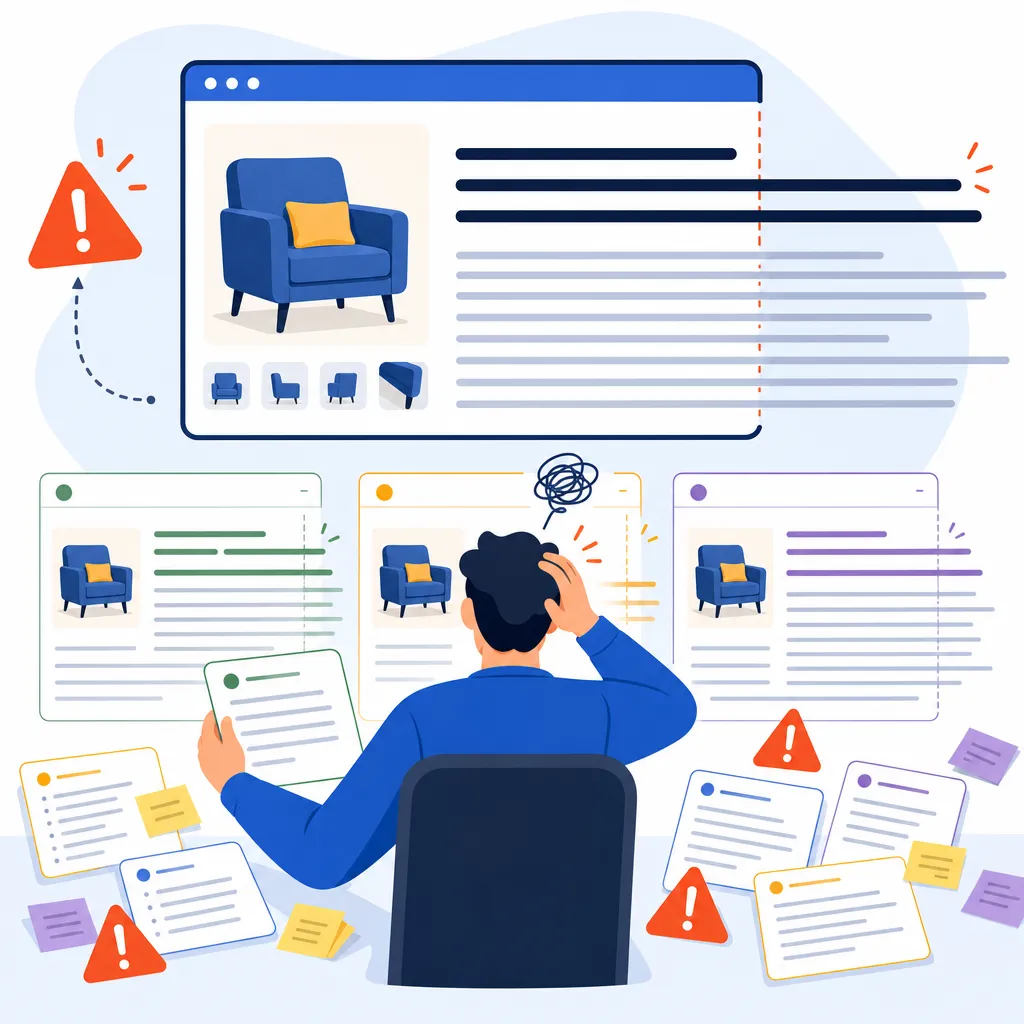
The most direct impact of exceeding the character limit is incomplete information, which may also increase review and maintenance costs.
The common effects fall into three categories:
- Content truncation: When key selling points appear in the latter part of a title or description, shoppers may not see the complete information.
- Repeated publishing revisions: You have to copy content back and forth between editors, spreadsheets, and platform dashboards while checking each field individually.
- Team collaboration errors: Different team members may use different counting methods, causing length differences when the same copy is delivered.
Character limits can also affect keyword placement. To shorten the content, you may remove important terms or make sentences sound too rigid. As a result, the copy may lose core selling points and become harder to read.
Why Is Counting Characters Manually Unreliable?
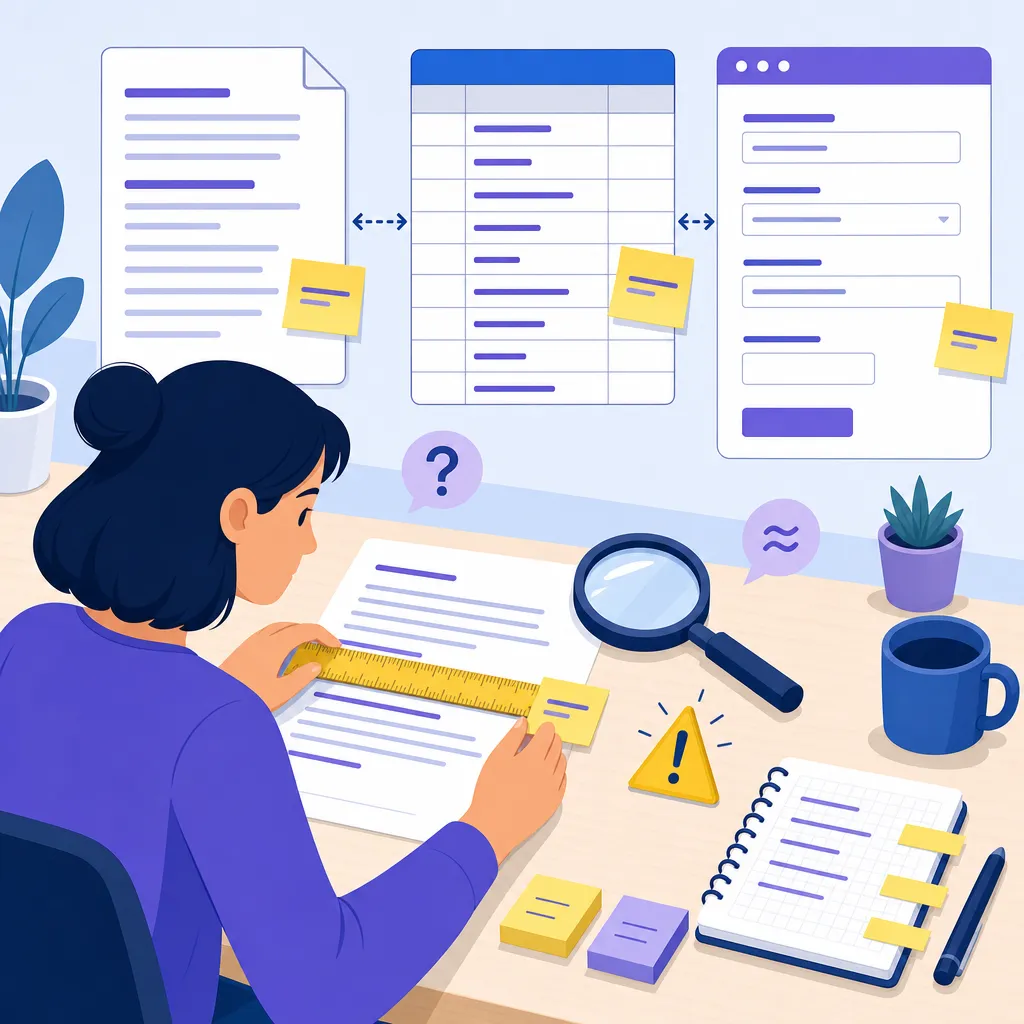
Manual counting works for checking one or two sentences temporarily, but it is not suitable for Listing copy with multiple fields and versions.
After you paste the text into a standard word processor, you typically see only a total word or character count. That number may not accurately match the character count required by the platform. The way Chinese, English, numbers, spaces, and punctuation are counted can also create discrepancies in manual checks.
Another common approach is to paste the copy directly into the platform dashboard and revise it only after the system reports that it exceeds the limit. Although this method is simple, it moves the check to the final stage. Once the copy, translations, keywords, and image descriptions are complete, revising any one field can affect the entire Listing.
Use a Listing Character Limit Checker for Pre-Publishing Compliance Checks

Niceggie's Listing Checker can help you quickly check the character count of Listing text, allowing you to complete a basic review before submission.
You can paste a title, selling points, description, or other Listing text into the checker to view the current character count, then adjust the content according to the requirements of your target platform or field. Tool URL:
A more effective workflow is:
- Write the complete version first to ensure no selling points or keywords are missing.
- Paste each field into the checker separately and record the current character count.
- For fields that exceed the limit, remove repeated words, unnecessary modifiers, and redundant punctuation.
- Check again to confirm that the revised version still retains the product's core information.
- Send the compliant version to your team or upload it to the platform dashboard.
The goal is not simply to reduce the character count as much as possible. It is to retain the most valuable information within the length limit.
After Meeting the Character Limit, You Still Need to Improve Copy and Image Communication
Character-limit checking answers whether the content fits. Listing optimization addresses whether it works after being added.
If the title does not highlight the product type, use case, and key differentiators, it may still fail to communicate value quickly even when the character count is compliant. If the bullet points merely list features, shoppers still have to determine for themselves what problem the product solves.
The same applies to images. The main image, feature images, and lifestyle images serve different purposes: the main image makes the product clear, feature images explain details, and lifestyle images help shoppers understand how to use the product. Too much text, a confusing hierarchy, or repeated selling points can all reduce reading efficiency.
After checking the character count, you can also use Listing Optimizer to further organize your content and product images, for example:
- Optimize the order of information in the title, bullet points, and detailed description according to the product's characteristics;
- Check whether the selling points are clear and remove repetitive, vague, or irrelevant content;
- Organize the information hierarchy in product images to improve selling-point presentation and visual communication;
- Adjust the copy's tone and the layout of image information according to the target platform and audience.
The two tools work together in a simple way: use Listing Checker to check the length first, Listing Optimizer to improve content quality and visual presentation, and then return to the character checker for a final pre-publishing review.
Keep This Pre-Publishing Checklist
A short pre-publishing check can reduce a great deal of avoidable rework.
- Have you checked the character count of the title, bullet points, and backend search terms separately?
- Do the important keywords appear in natural, readable positions?
- Does the copy retain the product type, core functions, and use cases?
- Is the text in the images clear, and does it match the selling points in the copy?
- Have you checked the character count and content completeness again after making revisions?
If you manage multiple products, consider keeping a final version for each SKU and recording the character count after checking. When you update images, translations, or keywords later, you can locate the fields that need adjustment more quickly.
Start Organizing Your Listing with Character-Count Checking
If your Listing often requires rework because of overlength content, repeated revisions, or unclear information, start by checking the character count.
Visit Listing Checker to check the character count of your existing copy. If you also need to optimize titles, selling points, detailed content, or product images, learn more about Listing Optimizer to optimize your copy with one click, create supporting visuals for your product image set, or generate A+ images. First verify the basic limits, then address copy and visual issues so the entire Listing revision process is more organized.
FAQ
What content is suitable for a Listing character limit check?
You can use it to check the character count of titles, bullet points, product details, backend search terms, and other text. In practice, check each field separately instead of counting the entire Listing as one block.
Why can't I rely only on the word count in a word processor?
The counting method used by a word processor may differ from the platform's field requirements. Spaces, punctuation, English letters, and numbers may also affect the result. Using a dedicated character-counting tool before publishing can reduce errors caused by manual estimates.
Why should I optimize my Listing after meeting the character limit?
Character checking can confirm whether the content length is appropriate, but it cannot determine whether the selling points are clear, the keywords sound natural, or the image information is easy to read. Listing Optimizer can help you continue improving your copy and product images.
What is the recommended workflow for using a character-counting tool?
Complete the original copy first, then check the character count for each field. Remove repetitive or low-value content if a field exceeds the limit, check again after revising, and finally confirm that the copy and product images remain consistent.
What can Listing Optimizer improve?
It can optimize Listing copy and product images, helping you further organize the information in titles, selling points, detailed content, and images, as well as generate A+ image sets. It currently supports platforms such as Amazon, Newegg, Walmart, eBay, and Mercado Libre.