Rankings stuck. Nobody tells you why.
Listing AI: Open a product page, see every issue flagged, rewrite it in one click
Works on Amazon, Newegg and four more platforms. One SKU: 45 minutes down to 5 (Newegg internal usage).
Chrome extension · Chrome Web Store · Free


What the video shows (text version)
- 0:00Two tools, one workflow. Tool 1, Listing Optimizer: check every field, then rewrite.
- 0:02Step 1, product info: paste one product URL, pick the marketplace (Amazon, Newegg, eBay, Walmart, TikTok Shop) and fetch. Caption: one product URL, that's the whole setup.
- 0:06Step 2, optimization: the listing is checked against 50+ platform-specific rules to find what to improve.
- 0:10Step 3, results, before and after. Before: “Rosewill RHAI-13001 1800W Induction Cooktop Double Burner Electric Stove Hot Plate Black”, with bullets like “Easy to use” and “Good for cooking”. After: “Rosewill 1800W Foldable Dual Induction Cooktop | 2 Independent Zones | Touch Control | 8 Preset Programs”, with bullets such as “1800W total — cook 2 dishes at once” and “Sensor touch panel with child lock”. Caption: weak title, thin bullets, rewritten.
- 0:16Time per listing: 45 minutes before, 5 minutes now (Newegg internal usage, directional figure).
- 0:18Tool 2, Product Image Suite: pick a photo (one white sneaker shot), pick the set, pick the style.
- 0:26Step 4, results: six marketplace-ready images in one batch, from a plain white-background shot to a lifestyle scene.
- 0:30Both tools work on Newegg, Amazon, eBay, Walmart and TikTok Shop today, with more marketplaces rolling out.
- 0:34Why it matters (illustrative chart): orders per week flat before optimization, rising after. Caption: better listings get found, found listings get bought. Actual results vary by category, platform and starting listing quality.
Two steps to a better listing
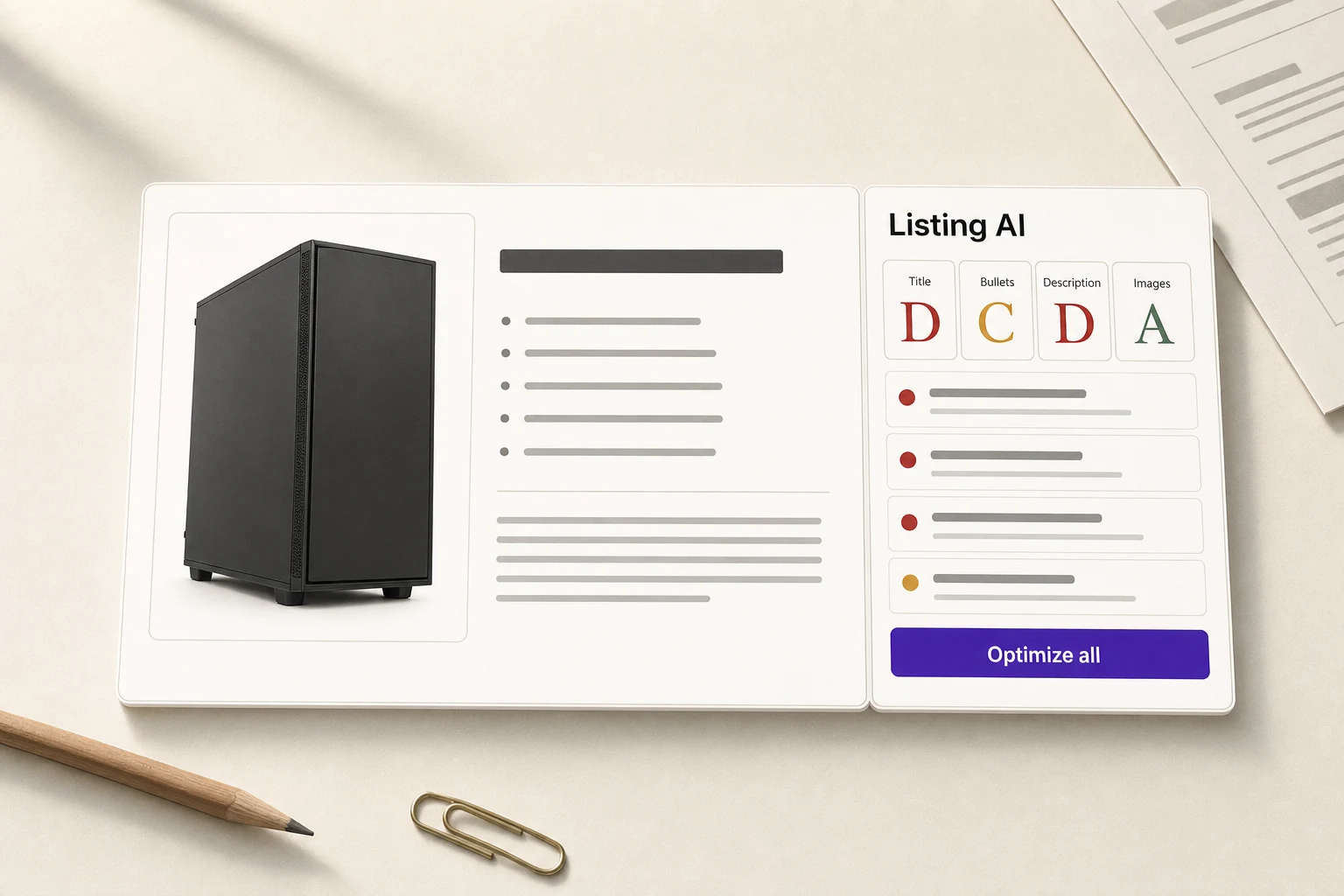
Diagnose on open
On the product page, the extension scans each field, checks it against platform rules, and flags every issue with its reason.
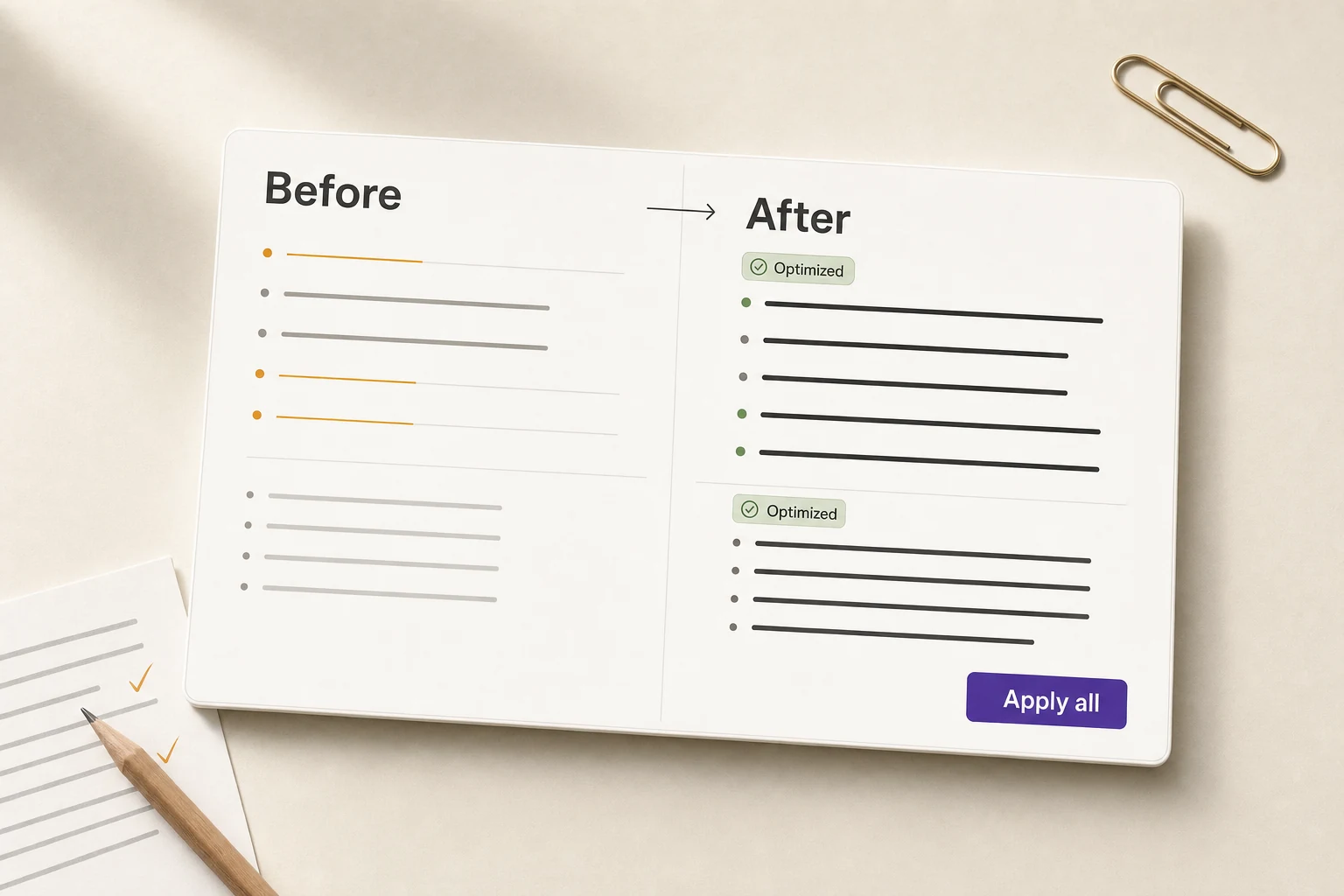
Rewrite only what you ticked
Tick the issues to fix; AI rewrites only those parts and keeps the rest. You see the clean new copy first, can switch to compare with the original, and each change comes with a one-line reason.
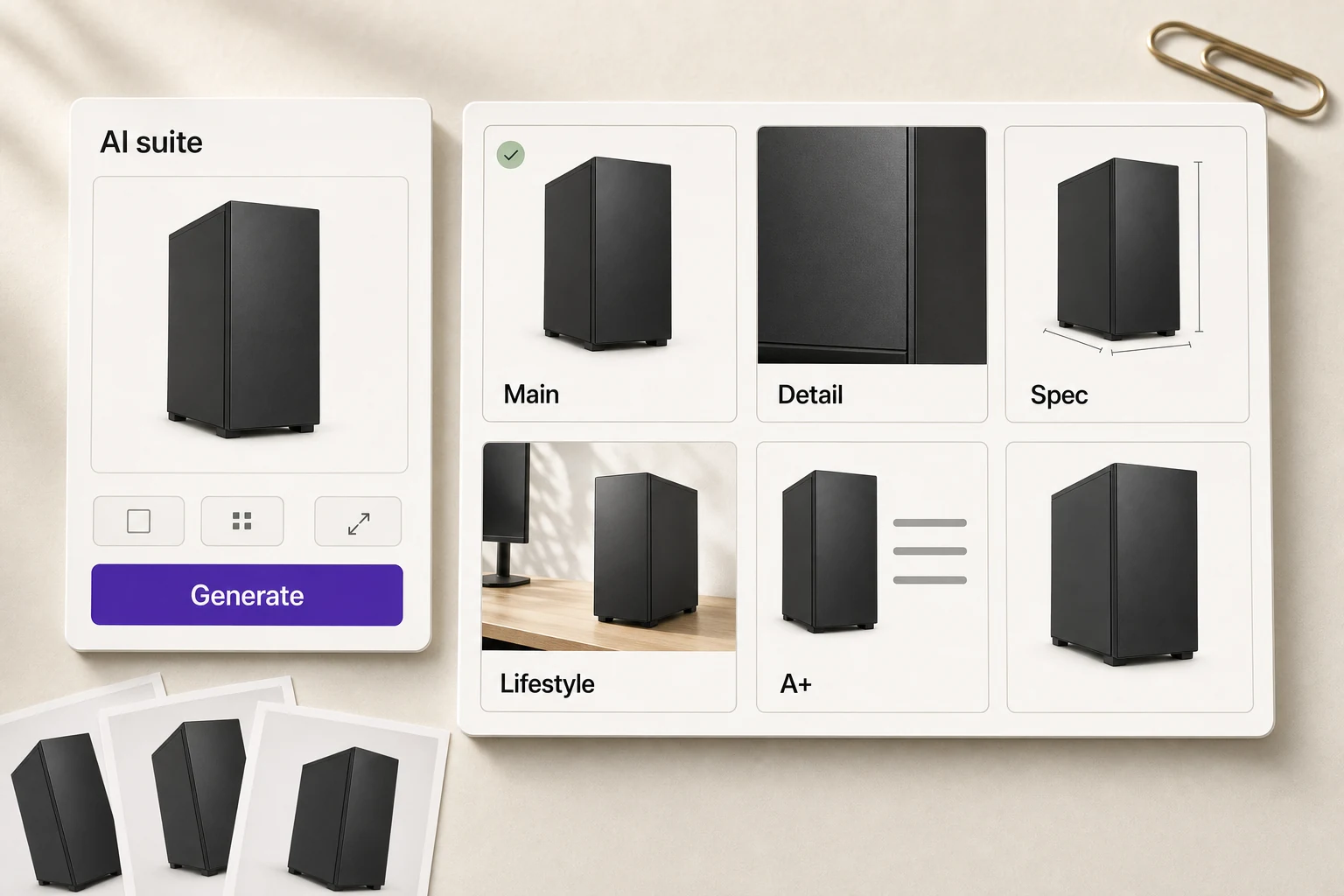
AI image suite: one product photo, a full set of listing images
Main, feature, detail, spec, size, lifestyle and A+ images in one run, each one refinable.
Supported marketplaces
Live
Open the extension on a product page on any of these marketplaces to diagnose each field and rewrite it in one click.
- Newegg
- Amazon
- eBay
- Walmart
- Mercado
- TikTok Shop
In development
- Shopify
- + more
Store sync — publish updates to your channels (coming soon)
Once connected, AI-optimized results can publish straight back to your channels — each publish still needs your confirmation.
- Amazon
- Newegg
- eBay
- + more channels coming soon
FAQ
Will this get my account suspended?
By default (extension running locally, or the web app processing through your signed-in account), Listing AI doesn't call platform APIs, doesn't connect to your store, and doesn't require your account password—to the platform, it looks the same as you browsing and editing pages by hand. If you later choose to turn on Store sync and complete the store connection, updates are then published through each channel's official API, which likewise doesn't add extra risk-control exposure. Whether any account gets flagged is ultimately up to the platform's own risk controls, so we can't make an absolute guarantee—but by design, neither mode adds extra account risk.
Do I have to install the extension?
Diagnosing and rewriting a listing that's already live needs the extension for now: install it, then open the product page. Without it, you can sign in to the web app to write a new product listing from scratch and generate AI images.
What does the free plan include, and what happens when I run out?
The free plan includes 30 AI credits (shared by diagnoses and rewrites) and 60 AI images every 30 days; re-opening a listing you already diagnosed is free. Quota refills automatically on a rolling 30-day window, and the quota dialog shows the exact reset date. Need more? Tap “Request more quota” in the extension or web app, or contact us about Pro.
Do I need to connect my store or account?
Not by default. Whether you use the extension or the web app, diagnosis and optimization work with no API authorization, without connecting a store, and with no need to enter your account password—it works right after you sign in or install. Only if you choose to use the upcoming Store sync feature will you need to connect the store in Connections, and you can disconnect it at any time.
Is this an official product? How do I install it?
Yes. It's built by Niceggie and installs in one click from the Chrome Web Store. If you can't reach the store, download the offline package from the Listing AI product page: turn on Developer mode on your browser's Extensions page and drag the .zip onto it.
Will it automatically change my Listing?
No unconfirmed change is ever made. Without Store sync, the product only diagnoses your listing and generates suggestions—every change still needs your review and manual submission. With Store sync enabled, each update likewise requires your confirmation before it's written back to the channel; there's no silent automated write.
Which platforms are supported?
Listing diagnosis and optimization are already live for Amazon, Newegg, eBay, Walmart, Mercado, and TikTok Shop. Shopify and more are in development—join the waitlist for early access.
Which channels does Store sync support, and when is it launching?
The first wave targets Amazon, Newegg, and eBay, with more channels to follow—we're not committing to a specific launch date yet. Contact us to request early access to Store sync.
Further reading
From the Niceggie blog
Exceeding the Listing character limit can cause content truncation, repeated rework, and team collaboration errors. This article explains how to use Niceggie Listing Checker to check the character count of titles, bullet points, detailed descriptions, and search terms, and how to continue optimizing copy and product images with Listing Optimizer after completing the character check.
Starting August 15, Amazon requires sellers to proactively disclose AI-generated person assets, while strict A+ Content image-size requirements are creating additional work for sellers reviewing and recreating images. This article explains the practical challenges around disclosure decisions, size adaptation, and asset volume, then introduces how the Listing AI tool addresses image dimensions and compliance during the generation process.
Amazon now requires product images containing AI-generated people to include a disclosure tag, with fines of up to $5,000 per violation. This article explains how sellers should judge which images need labeling, where the tag goes, common mistakes to avoid, and a free local batch-tagging tool that works without uploading images.
What could your listing fix right now?
Install free, open your own product page and see each issue to improve, with the reason for it
Chrome extension · Chrome Web Store · Free