A week of DMs. Not one reply.
Creator Outreach: AI reads the creator’s content first, then writes the pitch — in bulk, no authorization
A Chrome extension for TikTok Shop’s US Affiliate Center: send invites in batches, 23% average reply rate (Newegg internal usage).
Chrome extension · Free · Requires a TikTok Shop US seller account
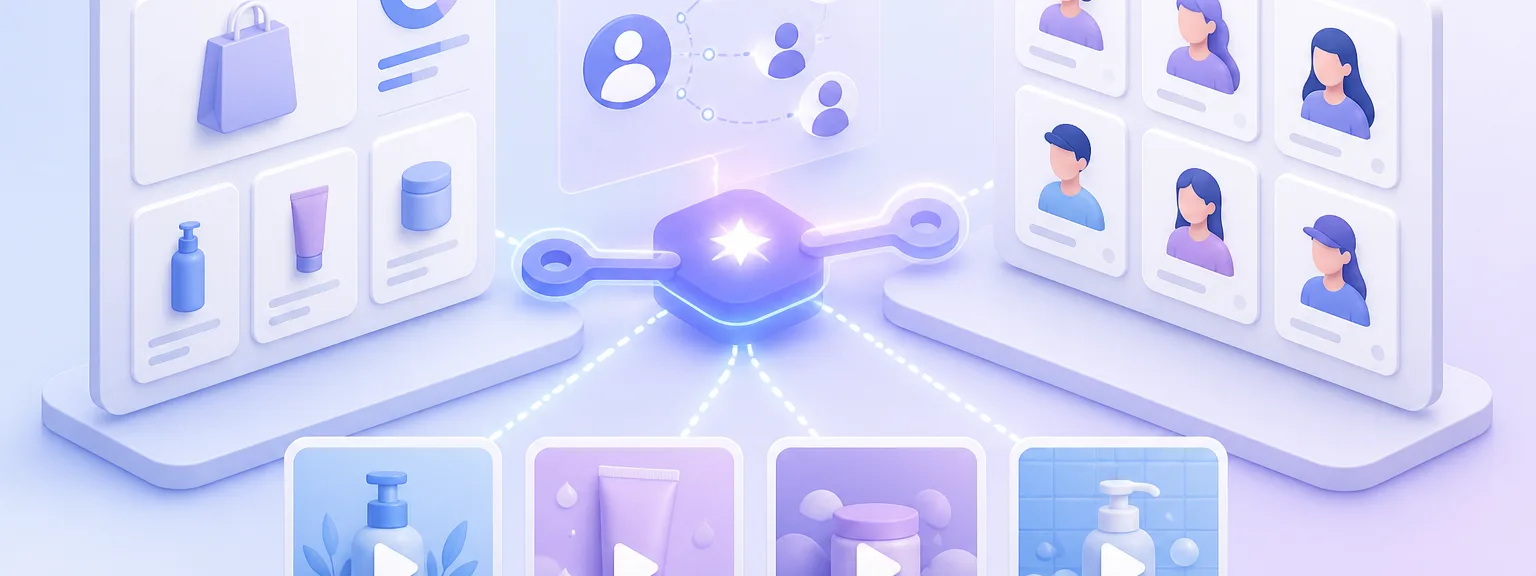
Solve the top 3 creator outreach pain points
- 01
Precise matching, less spam
AI analyzes followers, engagement rates, and content style to score alignment with your brand. Reach the creators most likely to convert, rather than spraying generic messages.
- 02
Zero OAuth, ready instantly
No need to apply for Creator Marketplace API access. The Chrome extension runs in your browser—sign in to the Affiliate Center with your TikTok Shop US seller account and it is ready to use.
- 03
Data-driven strategy
Track open and reply rates per outreach. The AI identifies which creator types and messaging templates perform best, lowering your customer acquisition cost over time.
Coming soon
All features
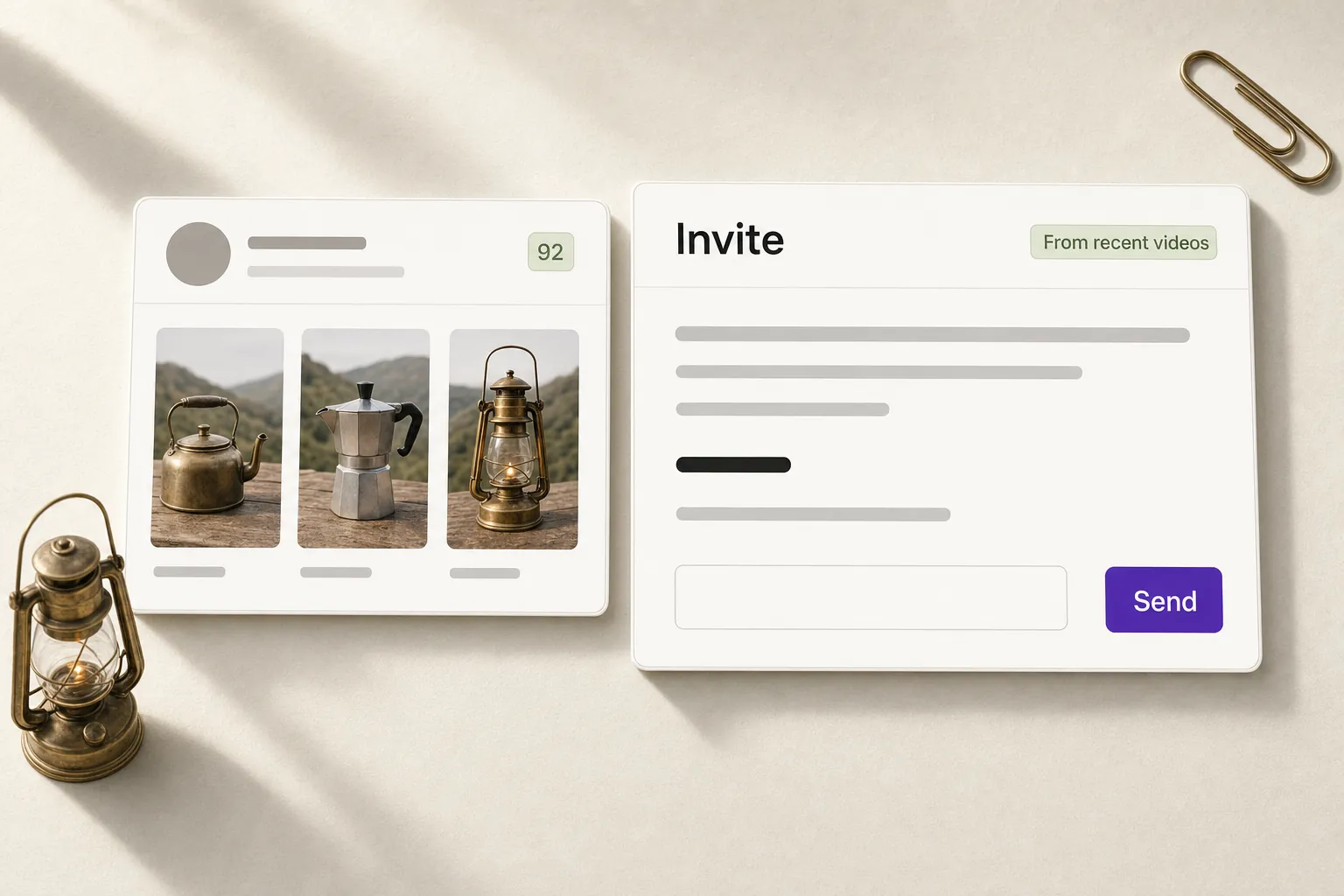
AI personalized invites
Generate tailored outreach based on recent videos, moving beyond one-size-fits-all copy-pasting.
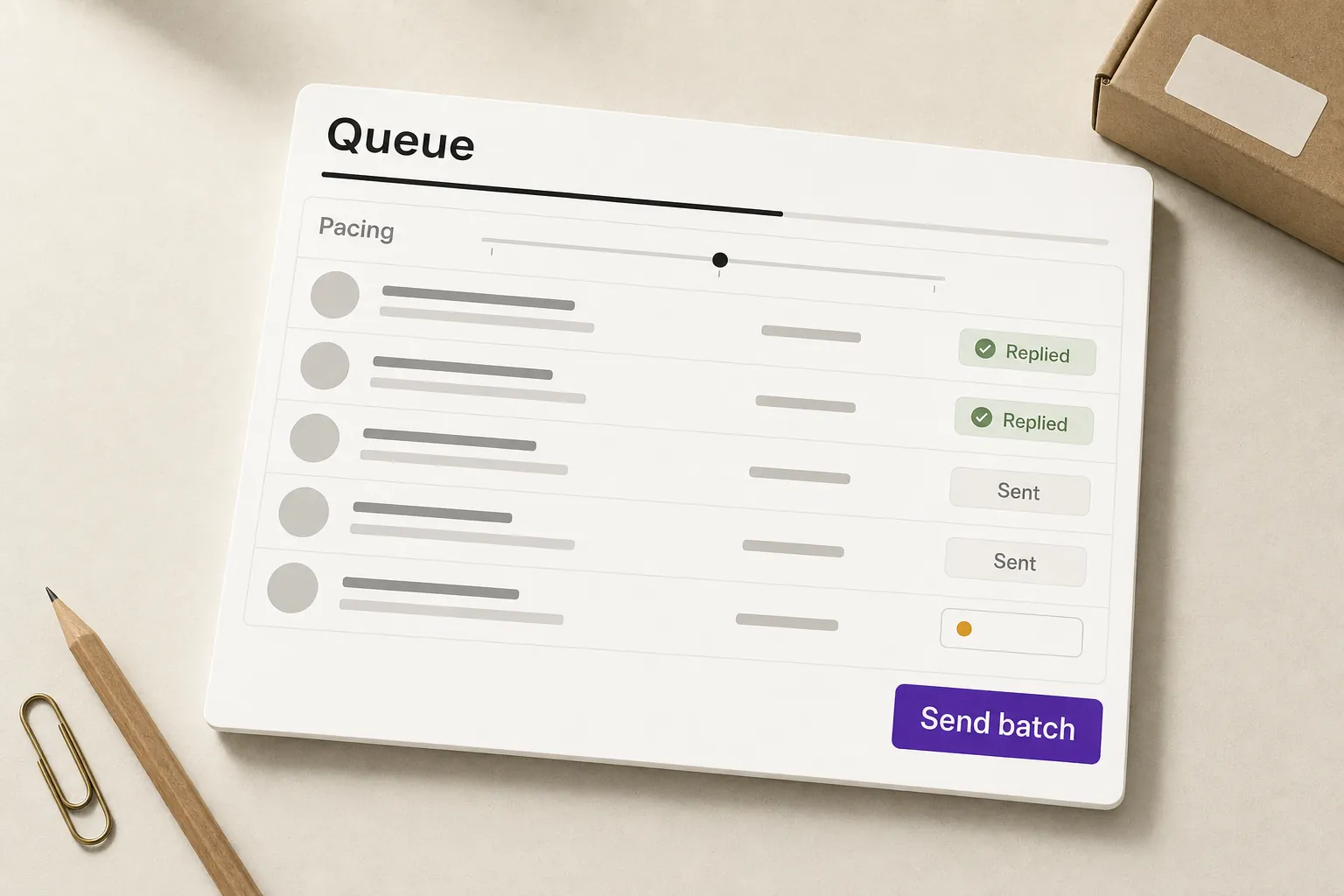
Batch sending
Queue up batch sends with paced intervals to avoid platform spam filters. Logs delivery status for every DM.
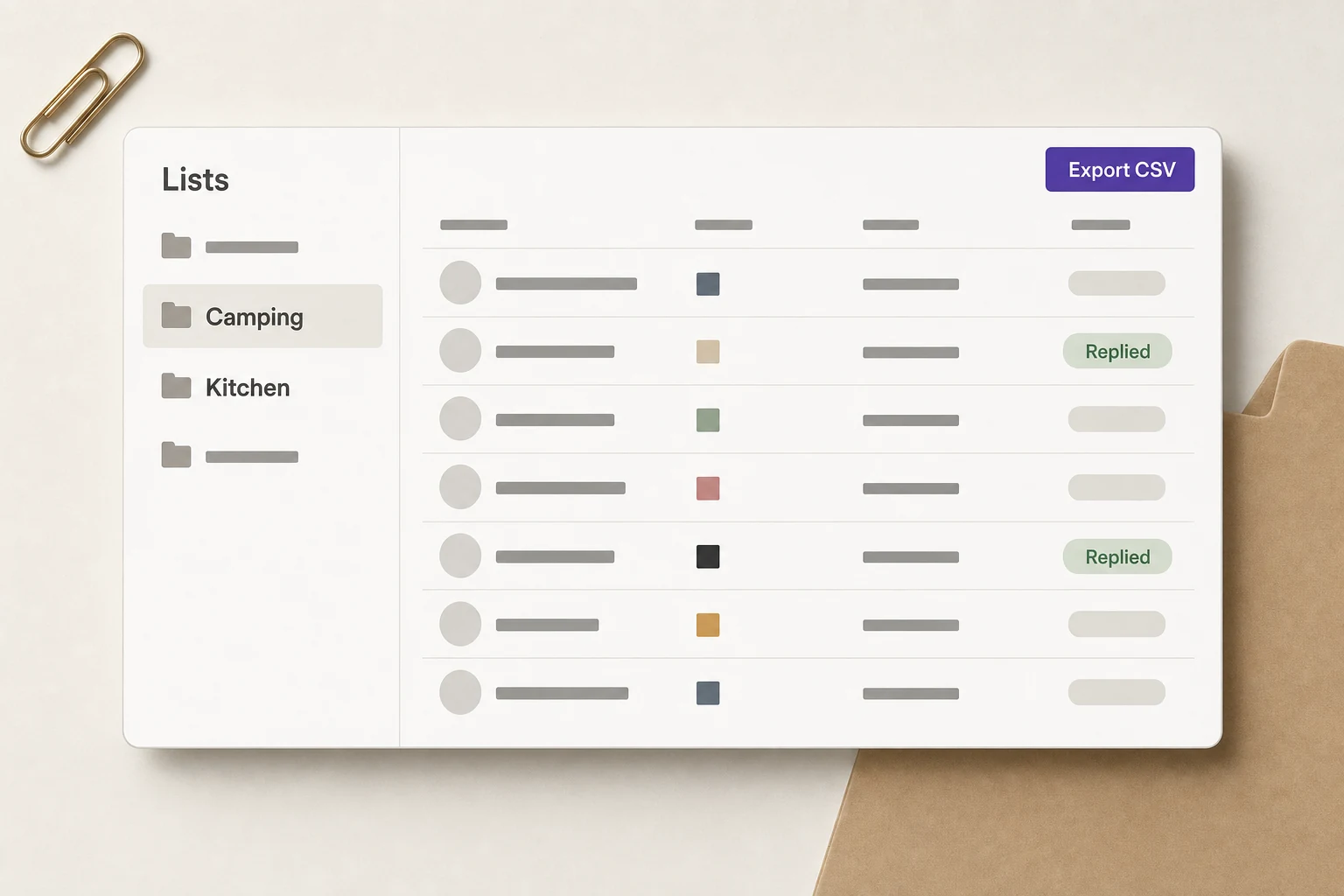
List management
Group creators by niche, budget, and status. Export lists as CSVs for team collaboration without messy spreadsheets.
Security & Trust, Explained by Design
- 01
Runs Locally
The extension runs in your own browser — to TikTok, it looks like normal creator-page browsing and in-app messaging.
- 02
Zero Authorization
No Creator Marketplace API OAuth, no account binding, no passwords — install it and use it in the Affiliate Center you are already signed in to.
- 03
No Login Takeover
We never ask for or store your TikTok password, and we never take over your account — outreach runs in your signed-in browser session and only after you confirm.
Local execution, zero OAuth, no login takeover — to the platform, the extension is essentially the same as browsing and messaging manually, so by design it adds no extra risk to your account.
Start reaching out in 3 steps
- 1
Collect in the Affiliate Center
Open the creator search in TikTok Shop's US Affiliate Center with your seller account, then click the extension to save promising creators to your list without leaving the page.
- 2
Draft AI invites
Select creators and batch-generate personalized pitches based on their unique video style.
- 3
Send and check the log
Batch send the invites, then sign in to Niceggie to see each invite's send time and delivery status in Outreach Logs.
Frequently asked questions
What is the TikTok Creator Outreach extension?
Creator Outreach is a free Chrome extension (it shows up as KOLFlow in your browser toolbar) that works in the creator search of TikTok Shop's US Affiliate Center: you save promising creators to a list in one click, AI drafts a personalized invite for each of them from their content style and recent videos, and after a batch send you can review every invite's send log and status — with no Creator Marketplace authorization required. You need a TikTok Shop US seller account that can access the Affiliate Center.
Do I need Creator Marketplace API access?
No. The extension runs in your own browser — no API authorization, no account linking, no password entry. Install it from the Chrome Web Store, then sign in to the Affiliate Center with your TikTok Shop US seller account to start.
Does the extension get my TikTok password?
No. It never asks for or stores your password, and it does not log in on your behalf. Outreach happens inside the browser session you are already signed into, and every batch is sent only after you confirm it.
How does the AI write the invites?
The AI reads each creator's content style and recently posted videos and writes an individual invite that references their specific content, instead of sending the same template to everyone. You can preview and edit each draft before sending.
Will batch sending trigger platform limits?
Messages go out one by one at the pacing you set, with intervals controlling the frequency, and every invite's delivery status and time is logged. Start with a conservative pace and adjust as replies come in.
Can I export my creator lists for the team?
Yes. Creators can be grouped by niche, budget and collaboration status, and lists export as CSV, so the team no longer maintains spreadsheets by hand.
Further reading
From the Niceggie blog
US retail is projected to grow 4.4% in 2026, but that does not mean cross-border sellers should automatically add inventory and expand channels. What matters under K-shaped divergence is calculating profit per order and break-even first, then using platform policy and traffic structure to judge which SKUs and channels deserve more budget. This article breaks down how cross-border teams should respond through profit modeling, channel selection, listing versioning, and creator partnerships.
This article explains how Niceggie Listing AI helps cross-border sellers generate both product copy and images, making it useful for new product launches, multi-platform listing, and small-team efficiency gains. It covers the core features, ideal use cases, differences from general AI tools, and how to get started quickly.
Public research from Radial shows that TikTok Shop has a higher delivery delay rate than Amazon and Walmart. For cross-border sellers, the first thing to break usually isn't logistics, but customer service, ratings, and conversion. This article focuses on logistics tracking and after-sales Q&A to explain how AI Customer Service can stabilize the buyer experience during fulfillment disruptions and reduce negative reviews and order loss.
Scale your TikTok creator outreach
Install for free. Ditch manual spreadsheets and generic pitches. Let AI find and win over the right creators.
Chrome extension · Free · Requires a TikTok Shop US seller account