Amazon Fees Changed Again in 2026. Can Your Product Margins Still Hold Up?
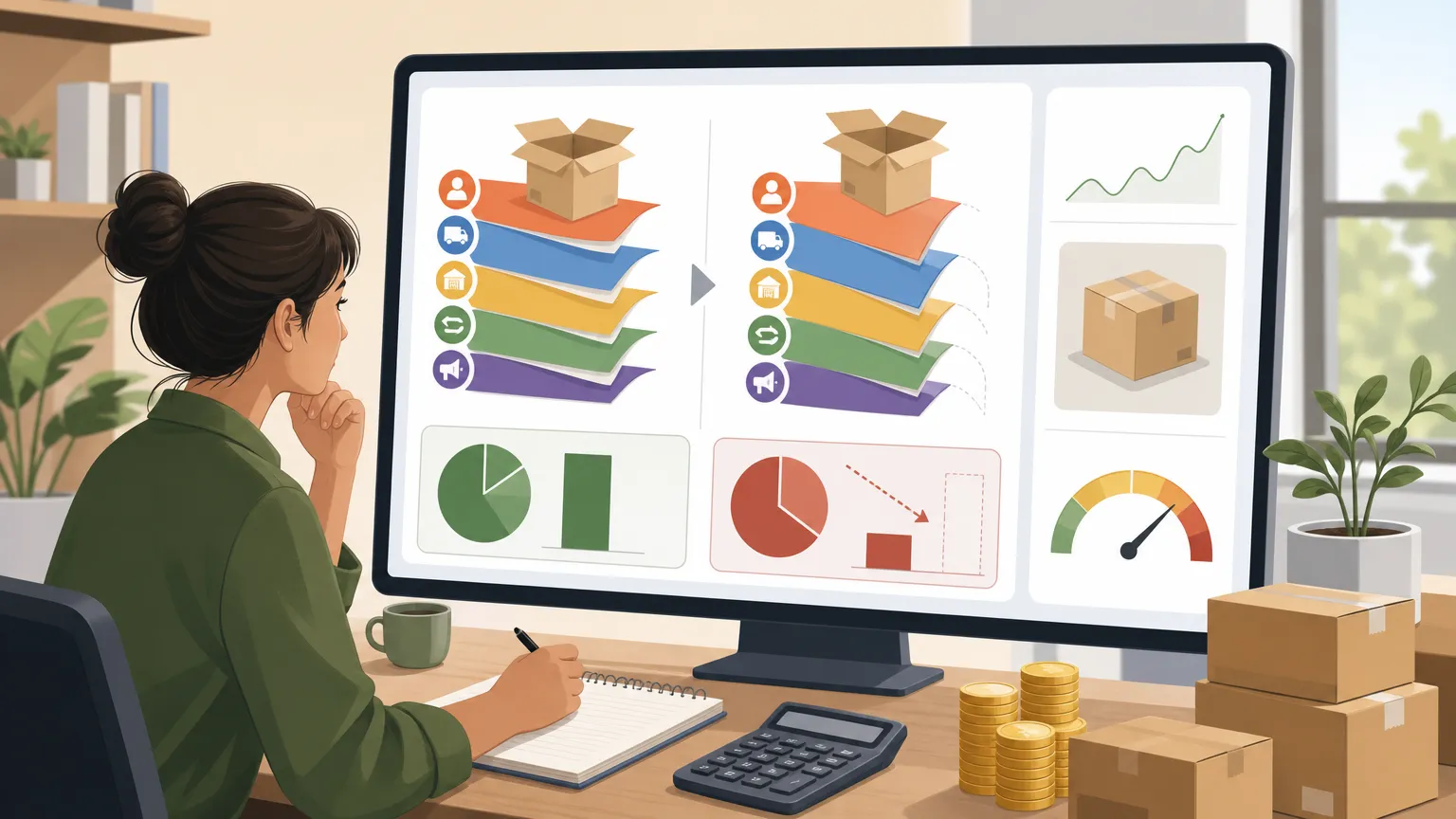
Lately, we've received quite a few messages from sellers in the backend, all asking the same thing: "It looks like the fees page in Amazon Seller Central was updated again. Are these SKUs I'm selling still actually profitable?"
The question sounds simple, but once you try to calculate it carefully, most people get stuck halfway through, because this round of 2026 changes is not as straightforward as "just one more percentage point."
What Exactly Changed This Time

First, here's one point that is easy to misunderstand: in 2026, the Referral Fee itself on the U.S. marketplace did not increase. Most categories are still using the same rates in place since 2024, and the 8% to 15% range has remained largely unchanged.
What really caught many sellers off guard was the adjustment to FBA fulfillment fees and a series of related charges:
- Fulfillment fees increased by about $0.08 per unit on average. That may not sound like much, less than 0.5% of the selling price, but for small standard-size products priced between $10 and $50, the average increase is about $0.25 per unit. For products above $50, the increase is even more noticeable;
- The billing structure has become more tiered. Even within small standard-size products, fulfillment fee brackets now vary by price range instead of using one flat rule for all;
- Inbound placement service fees, return processing fees, and aged inventory surcharges were also adjusted at the same time. Inventory that has been sitting for more than 12 months is facing stricter thresholds and higher surcharge amounts than before.
If you look at any one fee by itself, the increase does not seem outrageous. The problem is that these changes take effect on top of each other. The actual profit you keep from a SKU has never been as simple as "selling price minus product cost." It is what's left after subtracting referral fees, fulfillment fees, storage fees, return losses, and ad spend. If any one of those costs quietly moves by a few cents, then gets multiplied by your monthly sales volume, the result can shift from "still okay" to "losing money just to keep volume moving."
The Real Pain Point Is That Most Sellers Can't Calculate It Clearly

Anyone who sells on Amazon knows this already: fee increases are not actually the hardest part. The hardest part is not knowing whether you still have profit at all.
This is especially true when several small changes stack together. A lot of sellers open an Excel sheet they've been using for two years and start manually updating the formulas with new fee rates. Halfway through, they realize fulfillment fees are now tiered by price band, so the old formula row no longer works. The threshold for aged inventory surcharges has changed too, but the spreadsheet is still using the old 181-day rule. On top of that, each SKU's category-specific rate has to be checked separately. Copy one number wrong, and the entire "net profit" result in the sheet becomes fiction.
The result is simple: you think a SKU still has a 15% net margin, but after a fulfillment fee increase and an aged inventory surcharge threshold being triggered, the real margin may already be down to single digits. In some cases, you may already be using ad spend to prop up sales at a loss. By the time you notice it in your financial report or payout, it is often already months later.
When Fees Change, You Need the Habit of Recalculating Everything

Instead of estimating it in your head, it is better to go through each live SKU carefully. Start with these product types:
- Small standard-size products priced between $10 and $50. This time, the fulfillment fee increase is relatively more obvious in this range. If your gross margin was already thin, a few extra cents can wipe out the remaining room fast;
- Slow-moving inventory with longer storage age. Both the thresholds and amounts for aged inventory surcharges were adjusted, which means stock sitting in the warehouse may be burning cash faster than you think;
- Categories with higher return rates. Fees related to return handling were also updated in this round, so products with frequent returns need a fresh check on actual take-home profit.
Taking the time to sort out the true cost structure of these products matters more right now than rushing to launch something new.
If you don't want to keep editing formulas line by line in Excel, and you're worried about missing something or calculating it wrong, we built a free Niceggie Profit Calculator. It includes variables like Amazon referral fees, fulfillment fees, and storage fees. Just enter your cost and selling price to see estimated net profit and margin right away, which makes it easier to compare profitability across different price points. When fee updates like this happen, running your current SKUs through it can give you a much clearer picture.
Fee rules change every year, but pricing only after you have recalculated the numbers is still the safer move.
Note: The fee change information described in this article is compiled from official announcements on Amazon Seller Central. For specifics, please refer to the latest data on the Seller Central "Referral and Fulfillment Fees" page. The specific amounts and increases mentioned in this article are based on summaries from publicly available industry reports. Sellers are advised to use the actual rates shown in their own account backend as the final basis for calculation.