Every new product means another round of main, lifestyle and A+ shots
AI Image Suite: One product photo, a full set of listing images
Main, feature, detail, spec, size, lifestyle and A+ images in one run.Refine any image, or edit the text on it, without another tool.
Upload a photo in the web app, or use the one on your product page with the extension
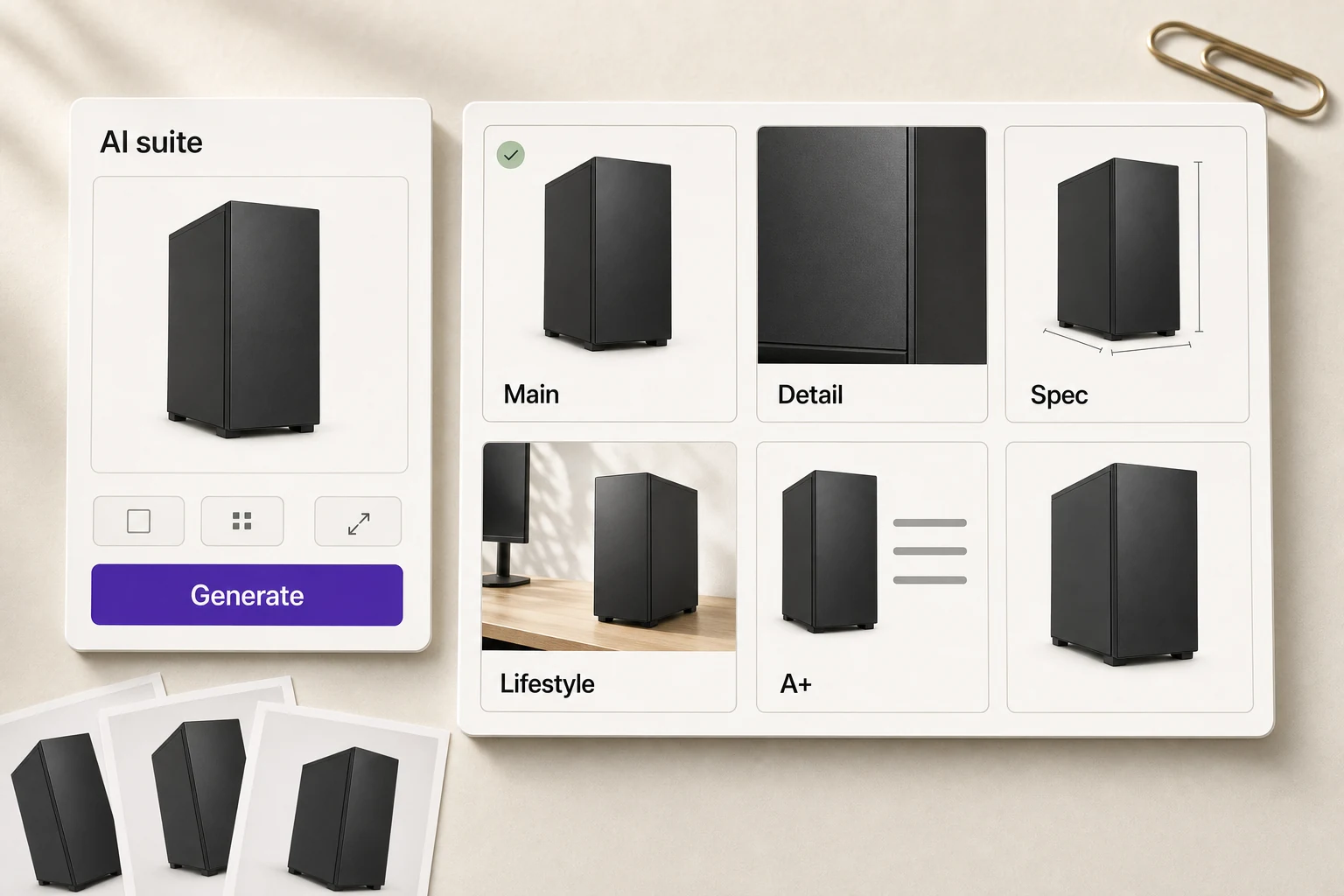
Plain photo in, an image that sells out
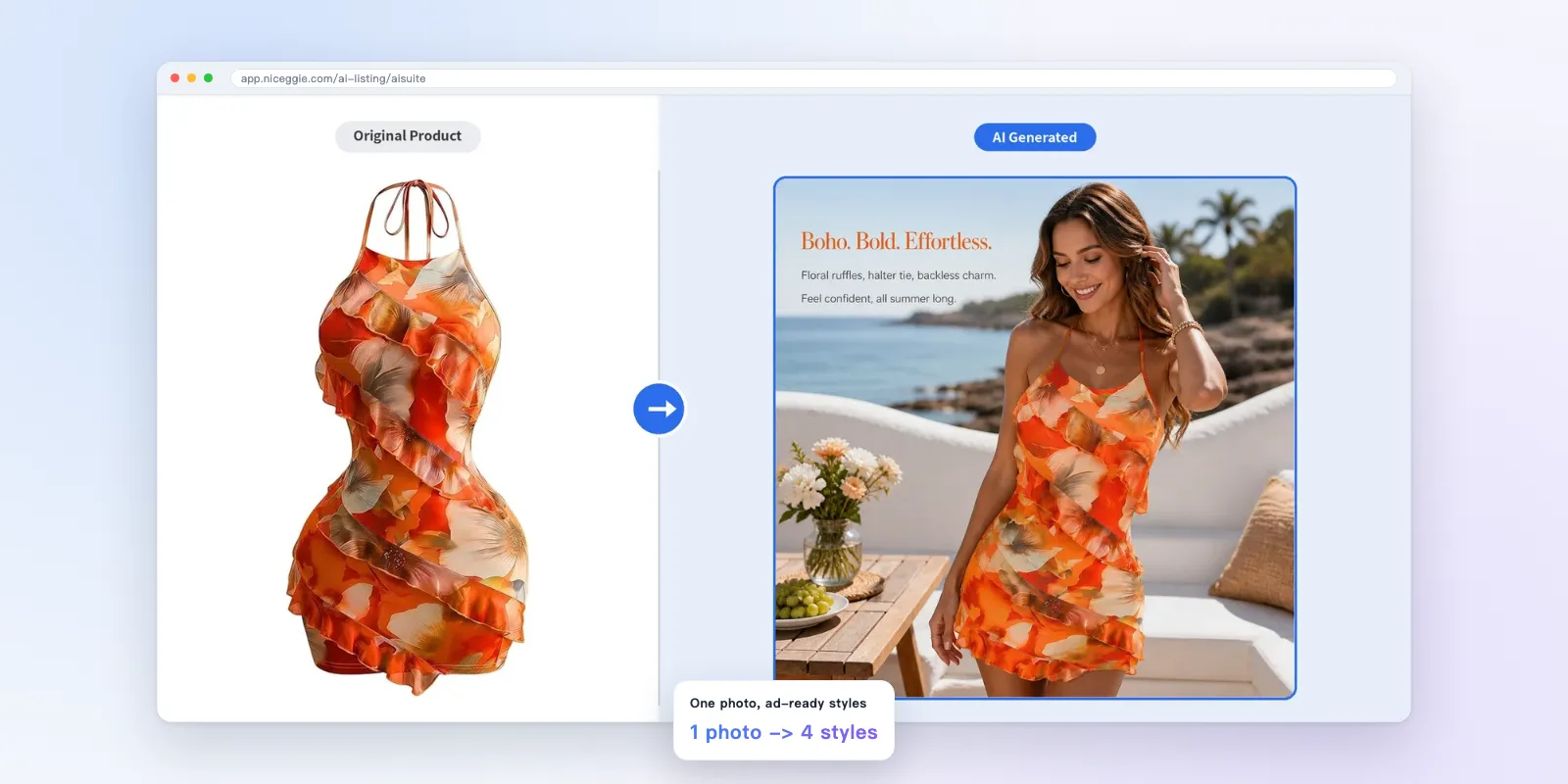
Apparel: model scene 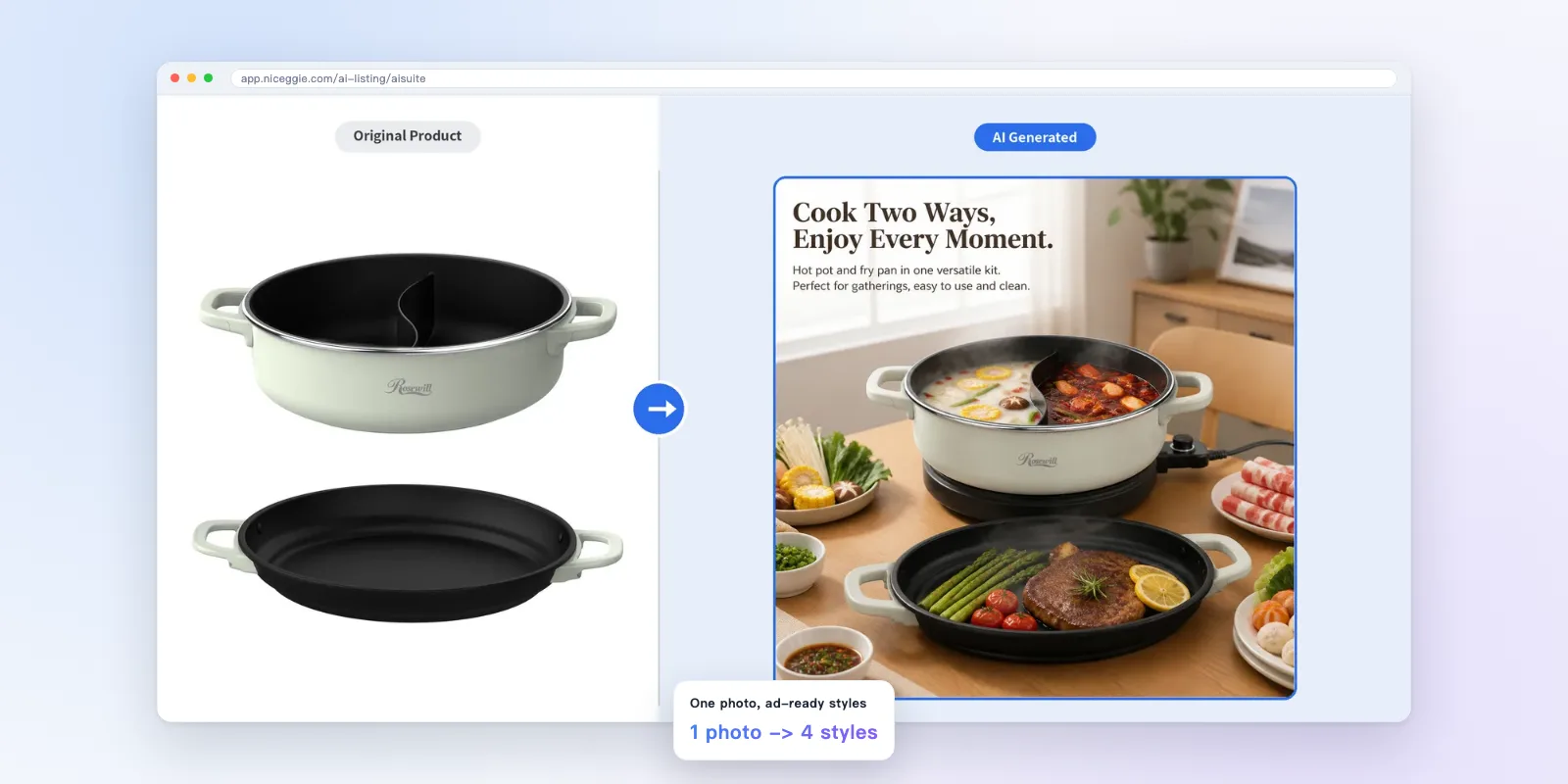
Kitchen appliances: in use 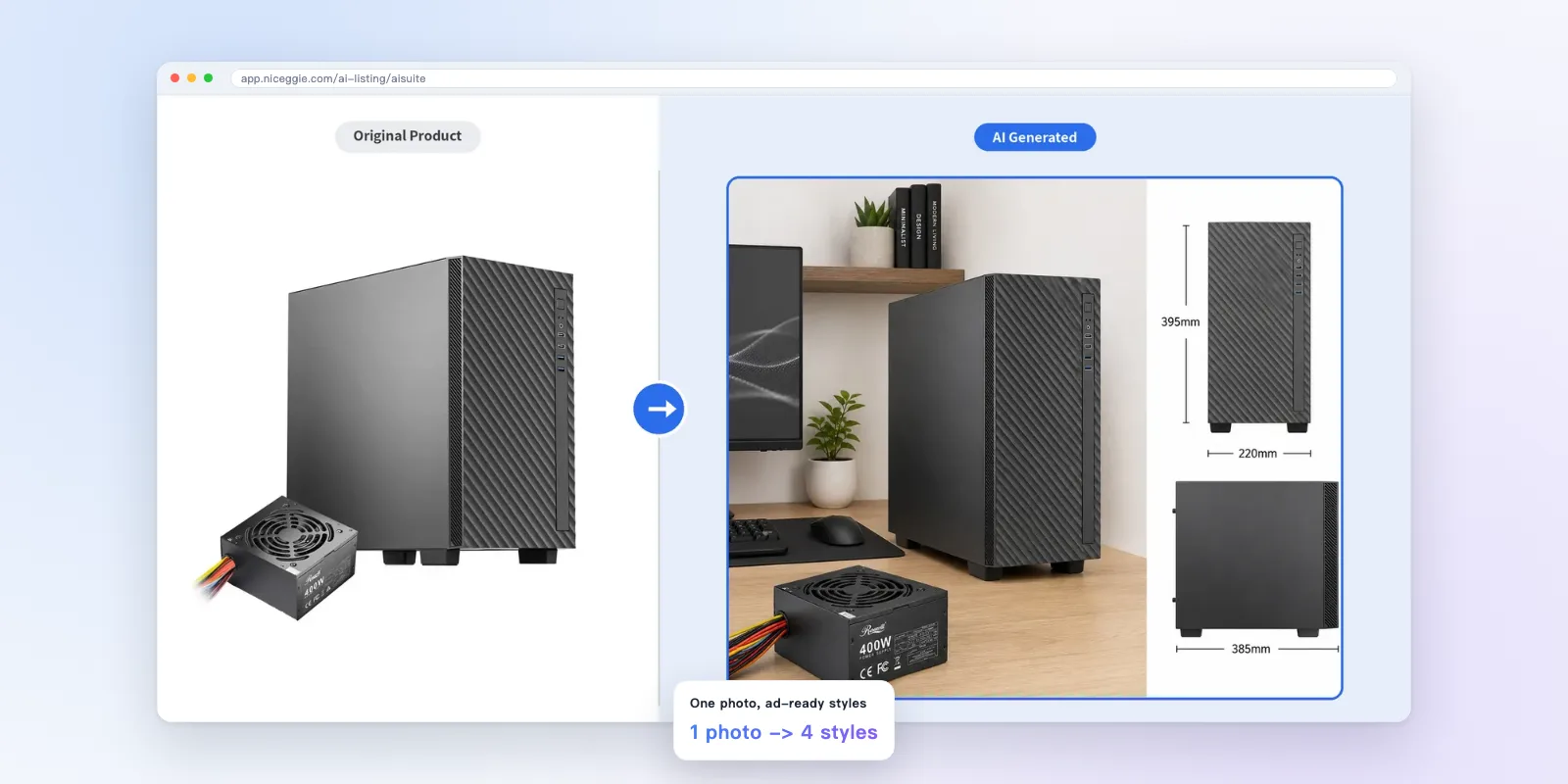
PC hardware: scene + size
Three steps
- 1
Pick a photo
Upload one, or pick it on the product page.
- 2
Choose types and style
Tick the image types, how many, and the scene style.
- 3
Generate
All seven types at once, previewed one by one.
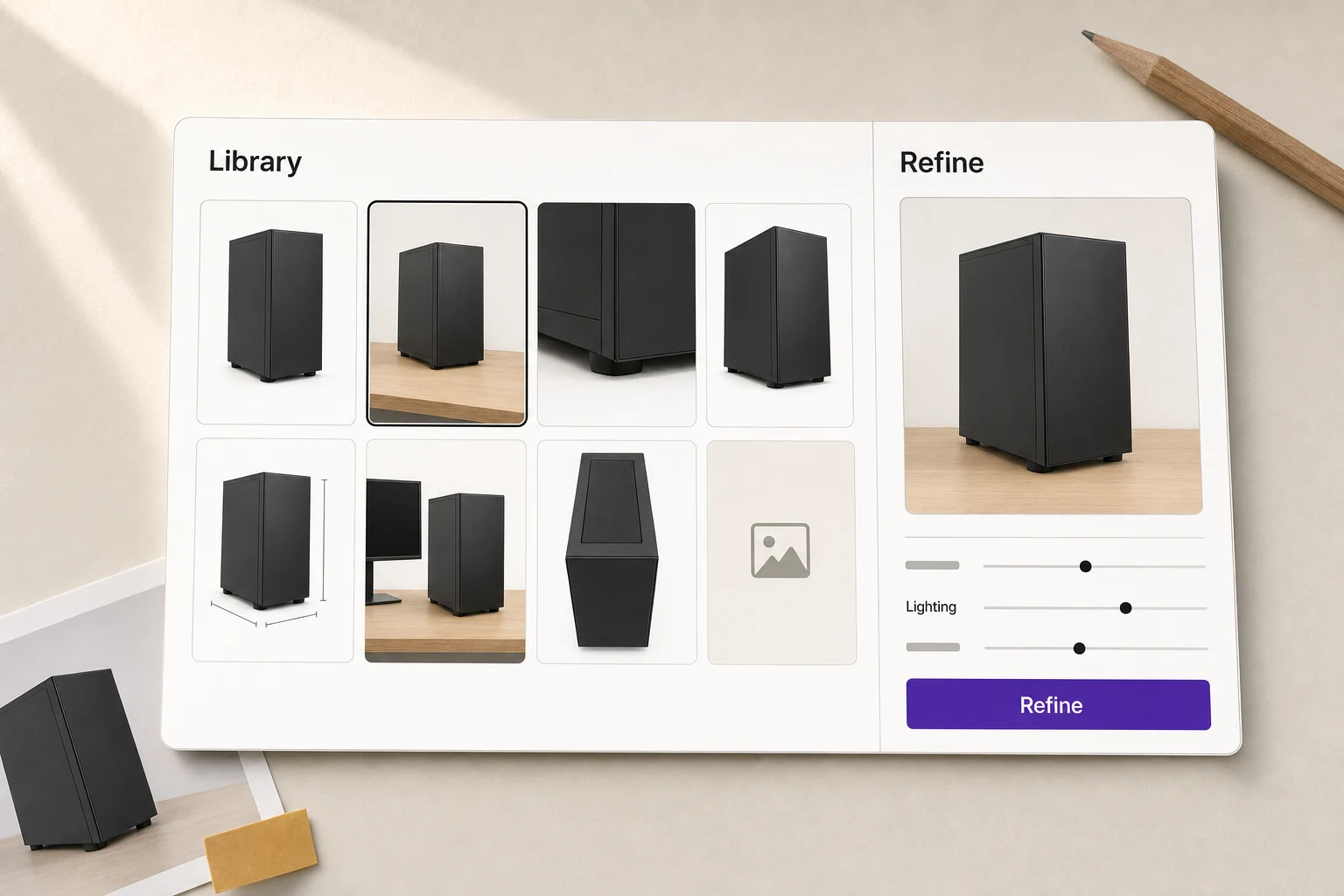
Refine what you don't like. Everything lands in your library
Adjust composition and lighting, edit the feature and spec text on the image; every image is saved to your library to download any time.
FAQ
How many images can I generate for free?
The free plan includes 60 AI images every 30 days, refilling on a rolling 30-day window. Need more? Tap “Request more quota” in the extension or the web app.
Do I need the extension?
No. Sign in to the web app and upload a product photo. With the Chrome extension you can also pick the photo right on a product page on Amazon, Newegg, eBay, Walmart, Mercado or TikTok Shop.
Which images can it make?
Seven types: main, feature, detail, spec, size, lifestyle and A+ content images. Generate just the product gallery, just the A+ set, or everything, and choose the count and style.
Will my product photos be used to train AI?
No. Under Niceggie's Terms of Use, the photos you upload are your Customer Data and are never used to train or improve any AI model, and we contract for our AI providers not to train on them either.
Try it with one product photo
60 free images every 30 days. No store connection needed.