Amazon Prime’s Big Sale Is Over. Did Your Competitors Change Their Prices Today?

1. The October Sale Is Over, but the Price War Is Just Beginning

Amazon’s Prime Big Deal Days took place on October 6 and 7 this year. The 48-hour event covered more than 35 categories and was available only to Prime members. During the event, “Today's Big Deals” were released in three batches each day: at midnight, 8 a.m., and 1 p.m.
Many sellers see this event as the start of Q4. Black Friday follows on November 27, and Cyber Monday on November 30. During the month between these events, prices often change more frequently than they do on the main sale days. Some sellers clear inventory, some test lower prices ahead of Black Friday, some restore their original prices after the sale, and some never restore them.
Another change is easy to overlook: Amazon is making price transparency more visible to shoppers. Amazon says shoppers can click “Price History” on a product detail page or ask Alexa for Shopping to view price trends for up to 365 days. Sellers used to be the ones mainly watching competitors’ prices. Now shoppers can compare prices themselves. Even a difference of a few dollars between your product and a competitor’s can be easier for shoppers to notice.
2. Many Sellers Notice Competitor Changes Only After Orders Drop
Most Amazon sellers have probably encountered the following situations:
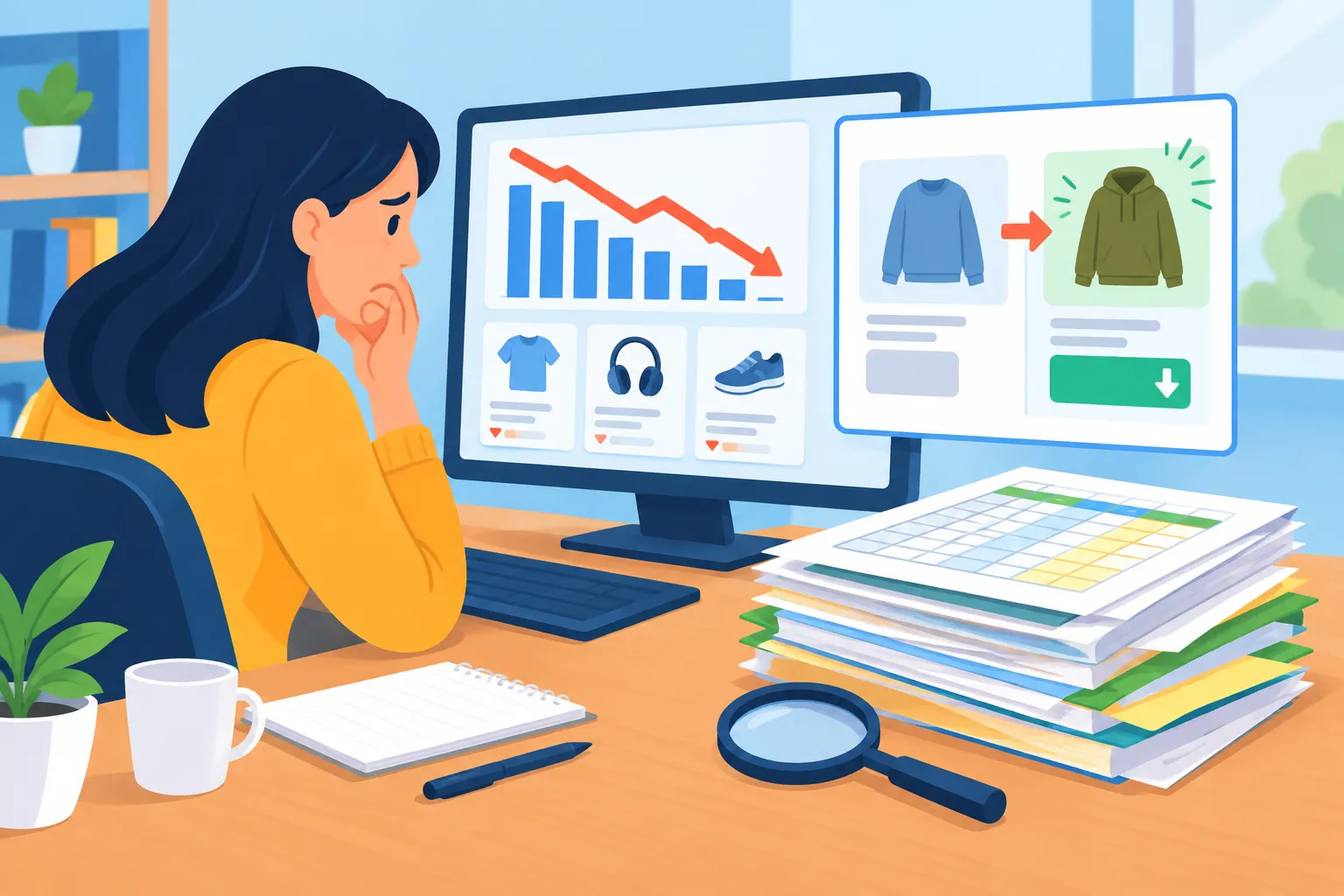
Scenario 1: Orders drop, and it takes half an hour to find out why. You open Seller Central on Tuesday morning and see that yesterday’s orders were only 60% of the usual volume. You check ads first, then inventory, and finally open a competitor’s page. You discover that the competitor cut the price by 8% the night before last and changed the main image. Your ranking has already fallen over the past two days.
Scenario 2: Your Excel sheet cannot keep up. You created a spreadsheet to record the prices, ratings, and review counts of five competitors, copying and pasting the data manually every day. It works at first, but once the big sale brings more tasks, the sheet gets stuck on last Thursday. By the time you need the data, it is already outdated.
Scenario 3: You know a competitor cut the price, but you do not know how to respond. Matching the price reduces your margin, and the order may barely break even. Refusing to match it raises concerns about losing ranking and the Buy Box. Many sellers eventually follow their instincts and lower the price by a round number, only to discover two weeks later that the month was unprofitable.
Scenario 4: You watch the price but miss the selling points. A competitor does not lower the price. Instead, it adds “30-day hassle-free returns” to the bullet points and replaces the main image with a lifestyle image. Your price stays the same, but your conversion rate gradually declines, and you still do not know why.
These problems share one pattern: for many sellers, competitor analysis is reactive. They investigate only after the problem has already affected orders.
3. How to Monitor Competitors: Define the Scope, Then Set Your Floor
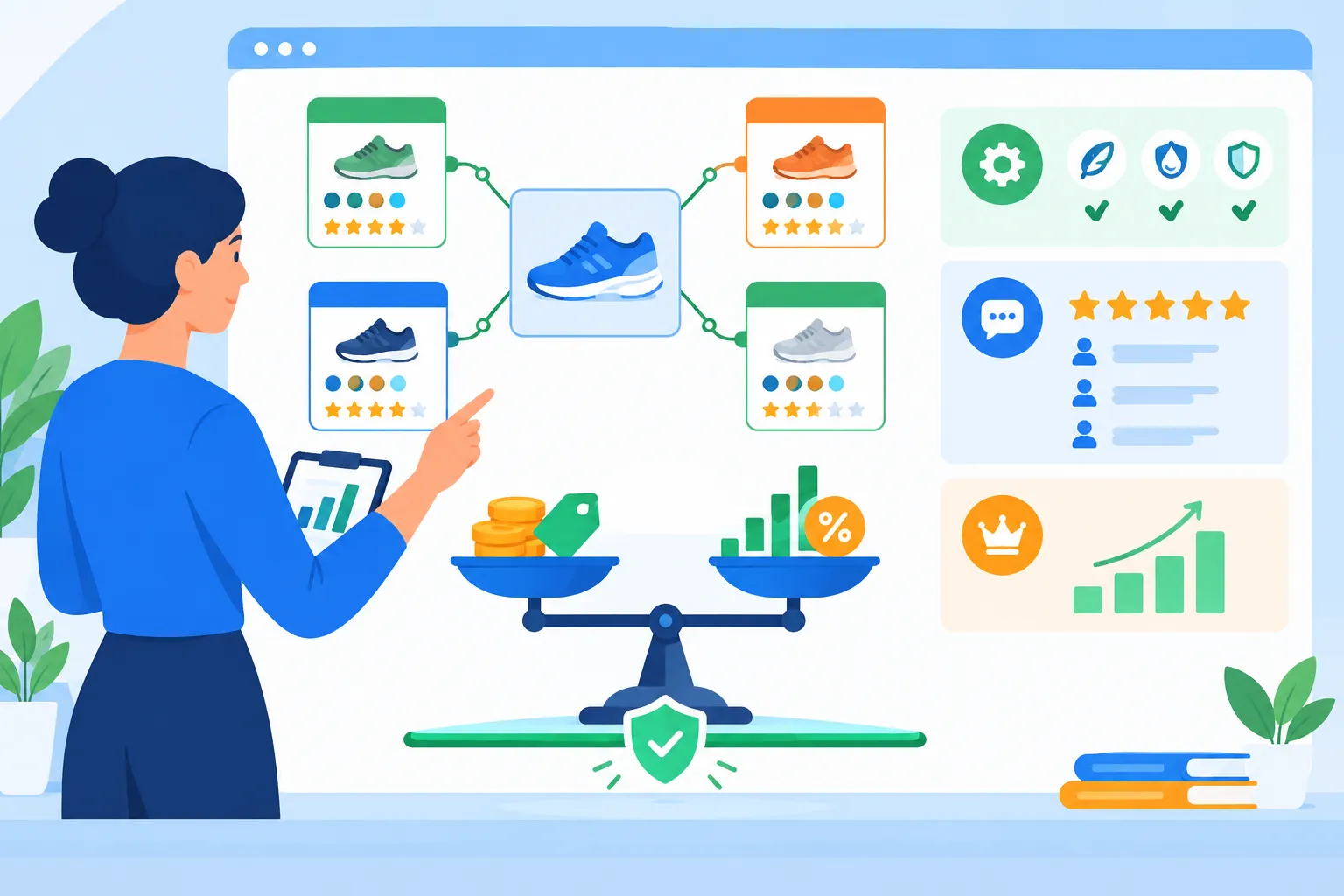
1. Monitor only 3–5 core competitors. You may find dozens of competing products in the same category, but only a few are usually competing for the same shoppers: their prices are in a similar range, their keywords overlap, and they frequently appear on the same search results page. Tracking too many competitors can make the information harder to manage.
2. Calculate your minimum gross margin before deciding whether to match a price. Price matching should be based on calculations. Here is a simplified example (the figures are for illustration only; to make the calculation easier, all costs are temporarily treated as fixed):
- Your selling price is $35.99. Procurement, inbound shipping, referral fees, fulfillment, and other costs total $26, giving you a current gross margin of approximately 27.8%
- You set a minimum gross margin of 18%, so the lowest acceptable price is $26 ÷ (1 − 18%) ≈ $31.71
- The competitor lowers the price to $32.99: matching that price gives you a gross margin of approximately 21.2%, which remains above your floor and may be worth considering
- The competitor lowers the price to $30.99: matching it would push you below your floor. At that point, the question is how to respond without lowering the price, not how much to lower it
3. Watch price, selling points, reviews, and ranking together. A price cut is only one type of competitor action. A new main image, an added warranty, additional keywords, or a sudden wave of negative reviews mentioning shorter battery life may deserve more attention than a price reduction.
4. Separate situations that require immediate action from information that only needs monitoring. A low price in the days after a major sale may be a temporary Deal that disappears after a few days, so you may not need to match it immediately. If a competitor maintains a low price for a full week while its ranking improves, you should take the change seriously.
4. Hand Off Repetitive Monitoring and Organization
The methods above are not complicated. The difficult part is doing them every day: opening pages one by one, recording changes, comparing them with your costs, and figuring out what a competitor may be trying to do. During the peak sale season, this task can easily fall to the bottom of your list.
At Niceggie, we built an AI employee dedicated to this work called Scott. Send him the Amazon links or ASINs of your competitors. Three to five core competitors are enough. Scott breaks down their pricing, selling points, positive and negative reviews, and ranking positions, then gives you an assessment: whether to match the price, how much to adjust it, and what the competitor may be trying to do. Once you tell him your minimum gross margin, his pricing recommendations will follow that floor instead of simply giving you a set of numbers.
A few other points may matter to you: Scott uses only publicly available data from Amazon. You do not need to authorize access to your store or provide an account password. Conversation content is not used to train AI models. The service is currently free during the public beta. Previous analyses are saved in your conversation history, so when a competitor makes a new move, you can open the original conversation and continue asking questions.
5. Final Thoughts
There is still more than a month before Black Friday. During this period, your competitors may change their prices several times, or they may not change them at all. What you need to know is when they act, what they change, and whether it will affect you—not wait for orders to decline before looking for the reason.
Monitoring competitors is useful in any quarter. If you do not want to maintain that spreadsheet manually, you can start by asking Scott to organize a baseline analysis for you.
Sources
- Dates, event format, and the “Price History” feature for Prime Big Deal Days 2026: see Amazon’s official news page aboutamazon.com
- The price-matching calculation in this article is a simplified example. Actual referral fees, fulfillment fees, and other costs may change with the selling price. Refer to the latest fees in Seller Central.