2026 Amazon Title Rules: 75-Character Limit and Item Highlights Guidelines, with a Cross-Platform Listing Length Comparison

If you sell on Newegg, Amazon, Walmart, and eBay at the same time, you have probably experienced this: a carefully optimized Amazon title gets copied to eBay and is truncated during publishing; when moved to Walmart, only the first part appears in search results, and the key graphics card model is hidden behind an ellipsis.
This does not mean your writing is poor. Each platform simply has its own definition of a good Listing.
Platform rules are becoming more specific, and each platform sets its own standards
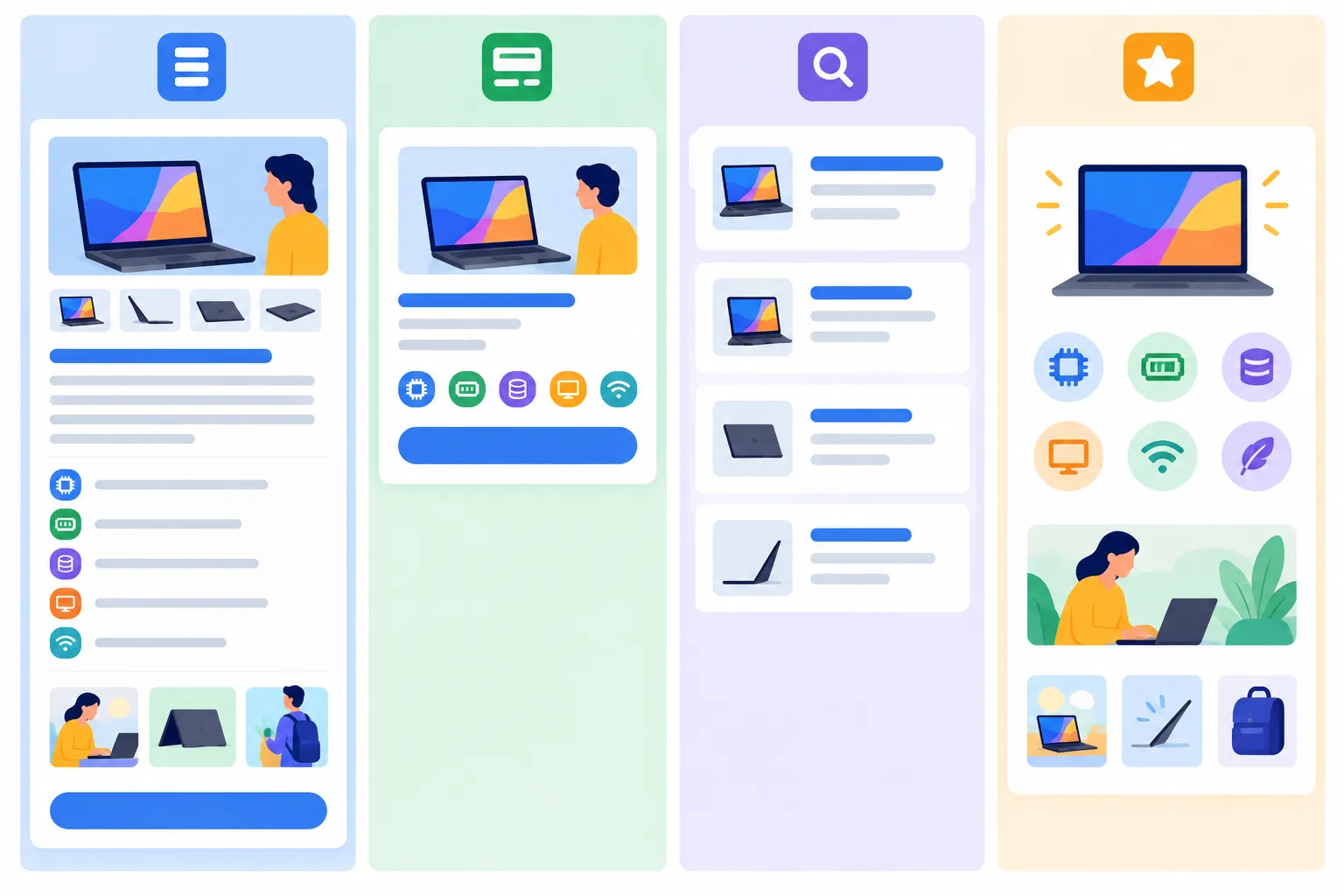
Here are several publicly available rules:
- Amazon: In January 2025, Amazon set the title limit at 200 characters. Starting July 27, 2026, the limit will be tightened to 75 characters, including spaces, across most categories except media. Both parent and child titles must comply, and the brand name counts toward the limit. Information such as materials and use cases that does not fit can be moved to the new Item Highlights field, which allows up to 125 characters. For existing titles that are too long, Amazon will gradually provide AI rewriting suggestions. Brand owners will have 14 days to review and adjust them before the changes take effect. Promotional language, special characters, and repeated words are also subject to restrictions.
- Walmart: Titles can contain up to 150 characters, but search results usually display only around the first 50 characters. Each Key Feature should contain no more than 80 characters, and Walmart recommends including 3–10 items.
- eBay: Titles can contain up to 80 characters.
Viewed together, the problem becomes clear. A complete 3C product title that performs well on Newegg—for example, a structure such as “brand + series + operating system + CPU + graphics card + VRAM + RAM + storage”—can easily reach around 130 characters. On Amazon, you may need to cut nearly half of it and decide which specifications should move to Item Highlights. It is also too long for eBay. On Walmart, the first 50 characters may not even mention the main selling point. If you do not revise it yourself, Amazon’s AI-generated version may not retain the specification you most want buyers to see.
The real time-consuming task is not writing, but checking
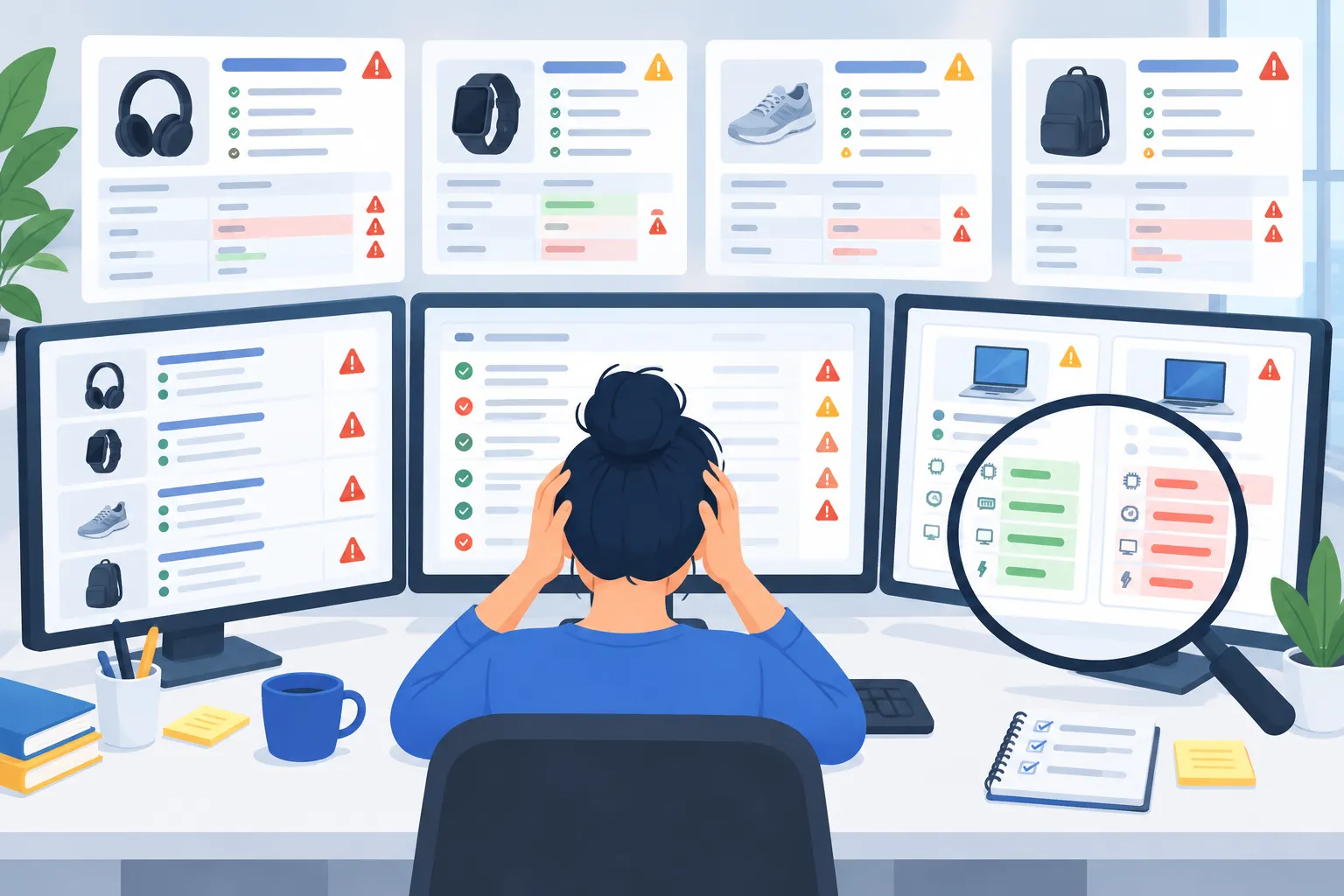
Many sellers’ daily routine looks like this:
Open a product page that has been live for six months and go through the platform’s policy documents line by line: How many characters can the title contain? Does the bullet-point copy include exaggerated claims? Does the memory specification in the description match the one in the specifications table? After updating one platform, switch to the next platform’s seller dashboard and repeat the same process.
The easiest thing to overlook is information consistency. After a product configuration changes, the title and specifications table may be updated, while keywords in the URL, one bullet point, or the final paragraph of the description still reflects the old configuration. When buyers see conflicting information, their first reaction is often, “Can I trust this store?” rather than, “The seller probably missed an update.” These issues are difficult to spot yourself because the person who wrote the content assumes it is correct.
Multiply this by the number of SKUs and platforms, and checking alone can take up most of a day for a mid-sized store.
Diagnose first, then rewrite only what needs fixing
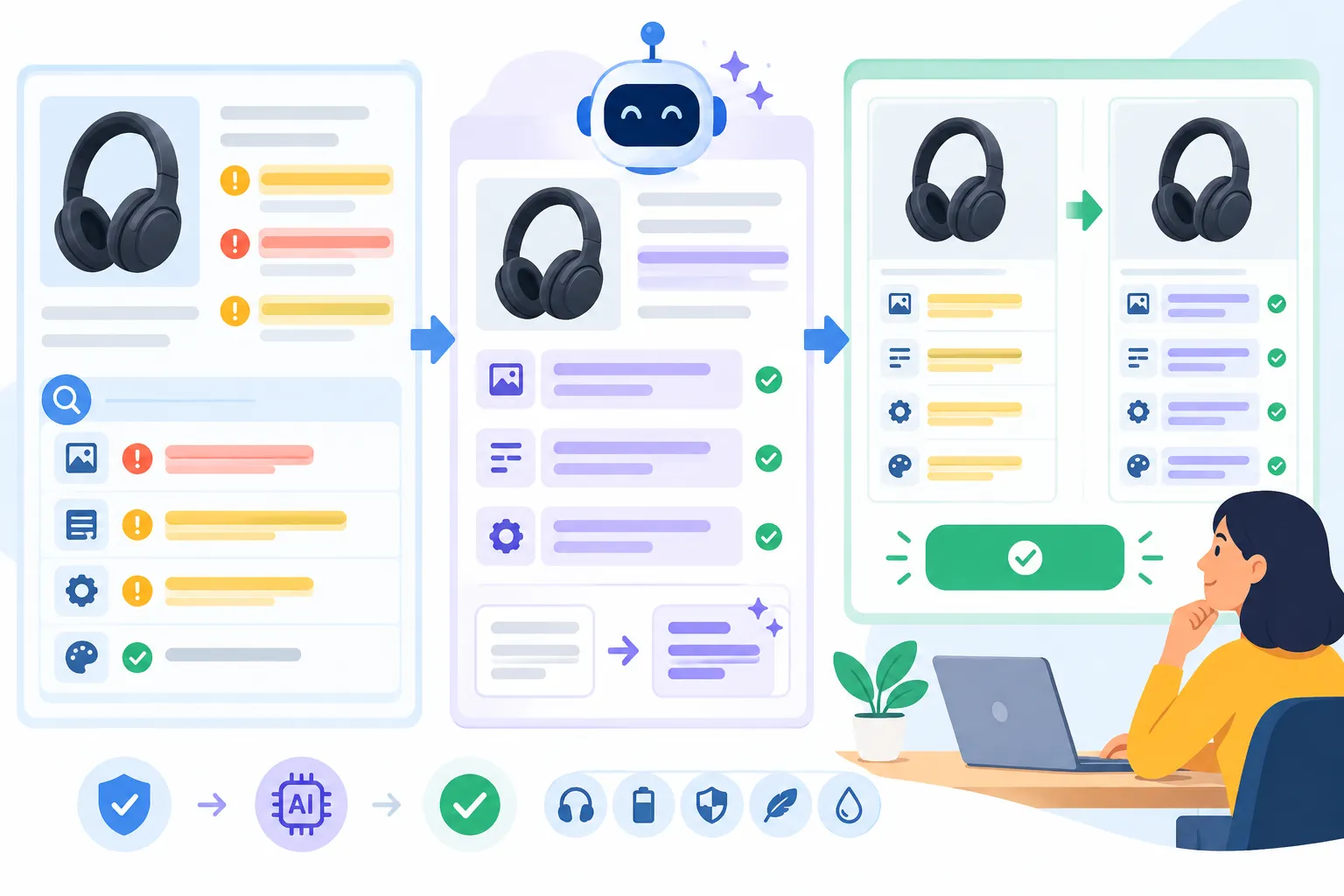
A practical approach is to split the process into two steps:
- Diagnose first: Check the current platform rules and identify specific issues in each field—title, bullet points, description, and information consistency—instead of vaguely “optimizing everything.”
- Rewrite selectively: Rewrite only the fields identified during diagnosis and keep content that is already performing well unchanged, so the Listing does not become more confusing after editing.
Two principles should remain in place: every change should include a visible before-and-after comparison and an explanation of why it was made; all changes should take effect only after you confirm them.
Based on this approach, we created the Chrome extension Listing AI. Open your product page on Newegg, Amazon, Walmart, eBay, TikTok Shop, Best Buy, Mercado Libre, or other supported platforms, and a diagnostic panel will appear in the sidebar. It identifies issues field by field according to each platform’s rules. Select the items you want to fix, and AI will rewrite only those sections, with a before-and-after comparison and a brief reason for each change. You can review and apply the edits afterward. Diagnosis and rewriting do not require store authorization, an API key, or an account password. For products that have not launched yet, you can also use the web version to generate copy and supporting images from scratch. The free plan includes 30 AI calls every 30 days, which is generally enough for routine checks of your priority SKUs.
A practical way to manage ongoing Listing updates
Listing AI currently supports major e-commerce platforms, including Newegg, Amazon, Walmart, eBay, TikTok Shop, Best Buy, and Mercado Libre. Open your product page on any supported platform, and the sidebar will automatically diagnose Listing issues according to that platform’s rules.
Platform rules change every year, and seven platforms mean seven sets of standards. Instead of reviewing every Listing from the beginning whenever a rule changes, let a tool identify noncompliant content and inconsistencies first, then reserve your time for decisions that require human judgment.
Sources
- Amazon’s new 75-character title rule, effective July 27, 2026, and Item Highlights: based on summaries of Amazon seller announcements from SellerEngine and My Amazon Guy. The 200-character rule introduced in 2025 is based on Search Engine Land. For applicable sites and category exceptions, refer to the official《Product Title Requirements》page in Seller Central.
- Walmart and eBay character limits: based on the Walmart Marketplace specifications compiled by LetterCounter and Helium 10. Requirements may vary by category; follow the latest requirements shown in each platform’s seller dashboard.