Register
Niceggie is currently in Public Beta: registration is free, no credit card required. Once registered you can immediately open the AI Customer Service workbench, try the AI Presales Agent, the free tools, and more.
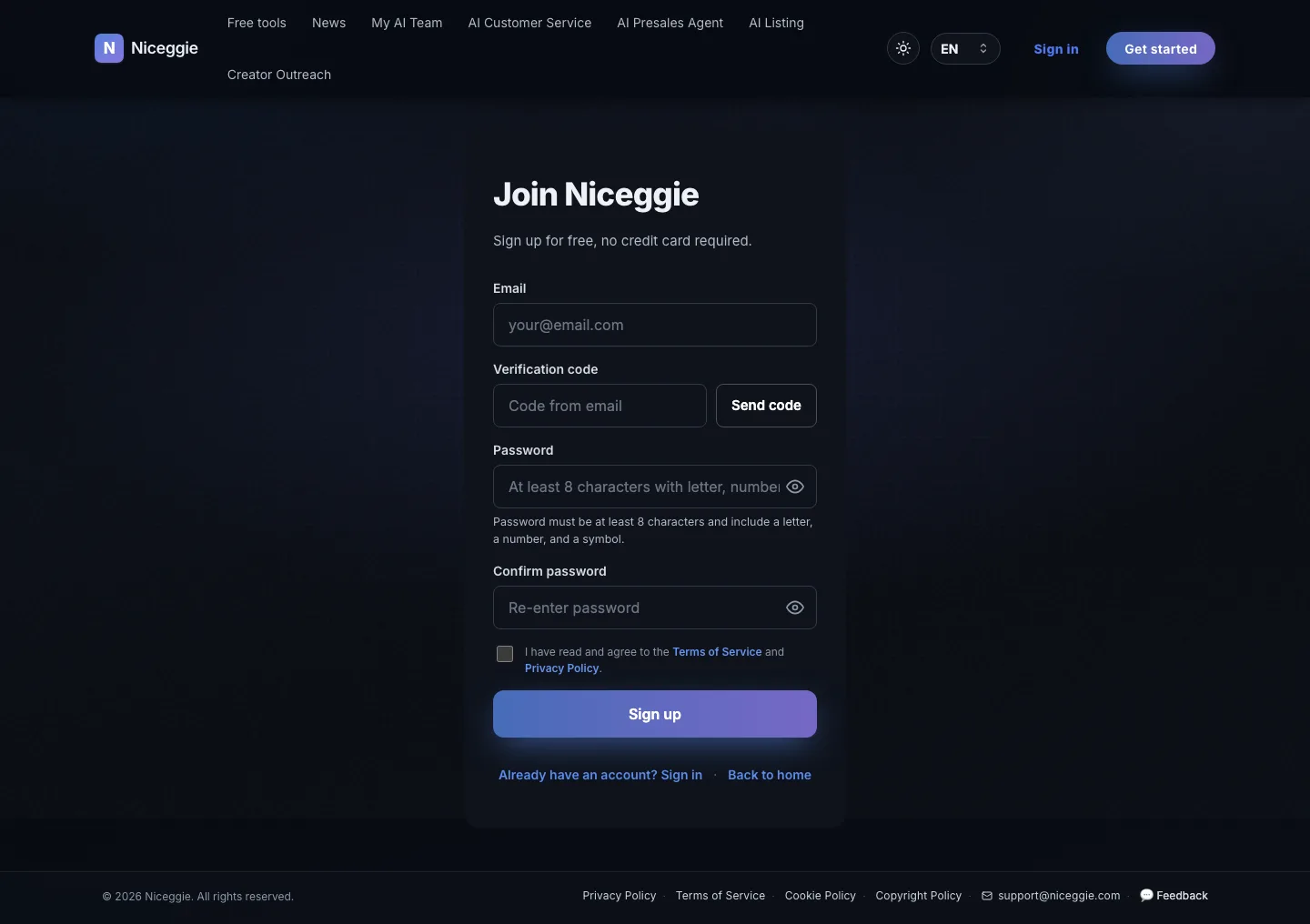
Steps
- Open https://www.niceggie.com
- Click "Get started" at the top right, or "Sign up free" in the homepage banner
- On the register page, fill in:
- Email (used for sign-in and notifications)
- Verification code — click "Send code", then enter the code emailed to you
- Password — at least 8 characters, including a letter, a number, and a symbol
- Confirm password — type the same password again
- Tick "I have read and agree to the Terms of Service and Privacy Policy"
- Click "Sign up" to enter the dashboard
Email recommendation
Use your daily work email so you'll receive the verification code plus feature-launch notices and product updates.
Sign up with Google or Outlook
Rather not set a password? The register page also offers "Continue with Google" and "Continue with Outlook". Pick the account in the provider's window and you land straight in the dashboard, skipping the verification code and password steps.
What you can do right after registering
- ✅ The AI Customer Service workbench — all six channels are open; link a support mailbox or authorize a store and AI starts drafting
- ✅ All 22 free tools (no extra setup)
- ✅ AI Presales onboarding request channel
- ✅ AI Listing Chrome extension download
- ✅ Cross-border news subscription and bookmarks
FAQ
Do I need a credit card?
No. All basic features are free during public beta.
Can one account manage multiple stores?
Yes. AI Listing supports multi-account management with cloud-synced history.
Didn't receive the verification code?
Check your spam folder, then click "Send code" again after a moment. If it still hasn't arrived, contact support@niceggie.com.